Codeware Interface Videos

Multi-Sheet Drawing Templates and Pressure Vessel Weld Maps

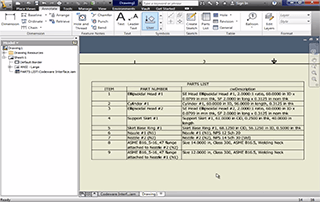
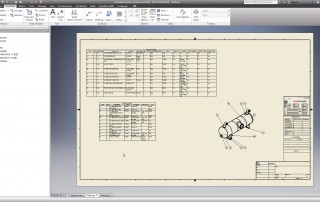
Create Drawings Automatically With The Codeware Interface New features in Codeware Interface 2021 Build 8100 include: Multi-sheet drawing templates Performance improvement for Drafter3D Pressure Vessel weld map Watch the video below to see these new features in action: Download video (.mp4 165MB)
Multi-Sheet Drawing Templates and Pressure Vessel Weld Maps2025-01-30T13:29:08-05:00

Nozzle Section Cuts and Custom BOM

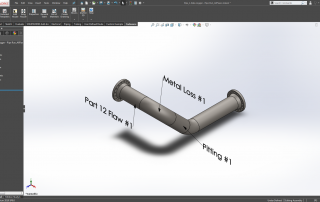
The Codeware Interface add-in is bundled with every COMPRESS and INSPECT license. New features for 2019 include: Nozzle section cuts for accurate shell roll-outs Fully customizable BOM descriptions Importation of INSPECT piping solid models To see how Codeware's suite of products can benefit your organization we invite [...]

Nozzle Section Cuts and Custom BOM2026-01-05T09:12:01-05:00

Create Pressure Vessel Drawings in Inventor

Having trouble viewing this video? Download webinar (.mp4 44MB) Webinar Topics Include: Codeware Interface Overview and Demonstration of Import Vessel/Exchanger Properties and Assembly Representations Drawing Templates, Sketch Symbols, Tables and Representations View All New Codeware Interface Features » To save even more [...]

Create Pressure Vessel Drawings in Inventor2026-01-15T11:57:07-05:00

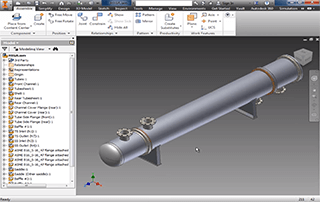
Export Heat Exchangers to Autodesk Inventor

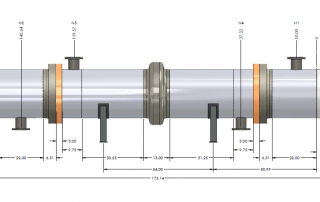
COMPRESS 2015 users can now export pressure vessels and heat exchangers to Autodesk Inventor using our Codeware Interface add-in. There's no additional charge to use the Codeware Interface provided you have a current COMPRESS support subscription.

Export Heat Exchangers to Autodesk Inventor2026-01-05T09:09:42-05:00

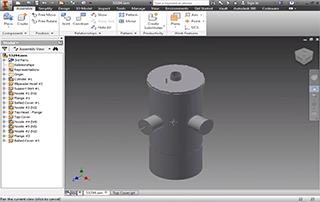
Edit COMPRESS Pressure Vessel Models Using Inventor

Having trouble viewing this video? Download video (.wmv 4MB) Import a smart COMPRESS pressure vessel model into Autodesk Inventor using the Codeware Interface add-in. Once imported, Inventor's built-in capabilities make editing easy. There is no additional charge for the Codeware Interface add-in provided that your company has current COMPRESS support. [...]

Edit COMPRESS Pressure Vessel Models Using Inventor2026-01-16T14:00:48-05:00

Integrate COMPRESS With Autodesk Inventor

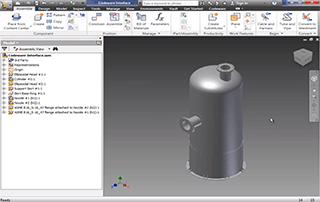
We are pleased to introduce the Codeware Interface®, an add-in for Autodesk® Inventor®. The Codeware Interface add-in for Inventor imports your COMPRESS pressure vessel model and manages the associated data through iProperties. There is no additional charge for the Codeware Interface add-in provided that your company has current COMPRESS support. How It [...]

Integrate COMPRESS With Autodesk Inventor2026-02-02T09:07:00-05:00
Go to Top