
Integrated Pressure Vessel Fabrication With Shopfloor
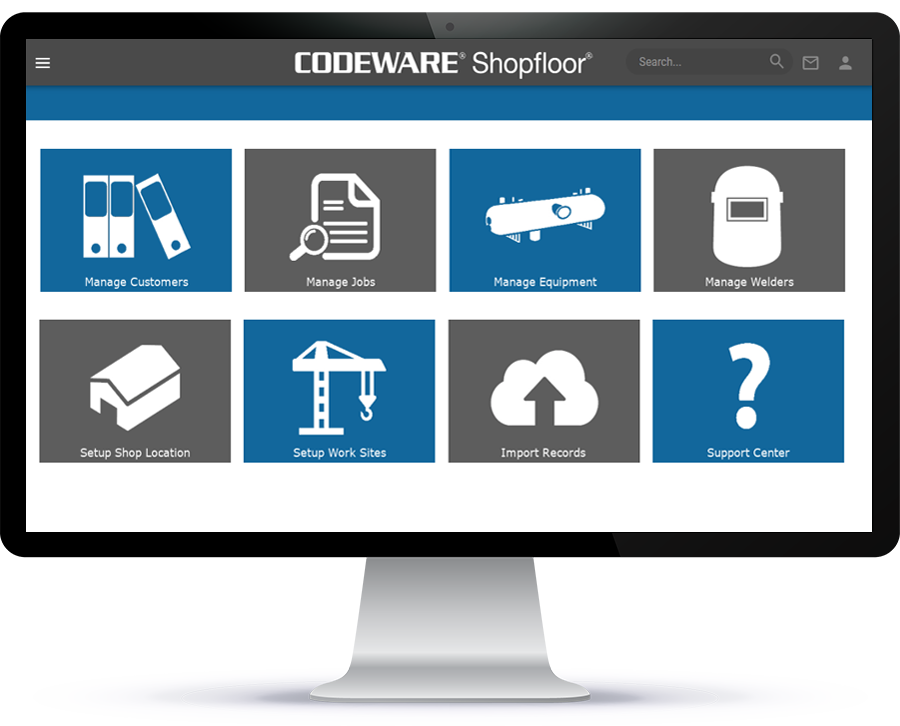
Shopfloor is a native cloud-based ASME IX and AWS welding and project management system. It works with COMPRESS and INSPECT to track welder continuity, perform Code checks and quickly determine if you’ll need to qualify additional weld procedures and/or welders.

SAP Integration with Shopfloor
Shopfloor provides SAP integration to assist planners with job creation. This allows for information pertaining to a new job that seamlessly transfers into Shopfloor from SAP and avoids manual time consuming entries.
Codeware Integration With Autodesk Inventor®
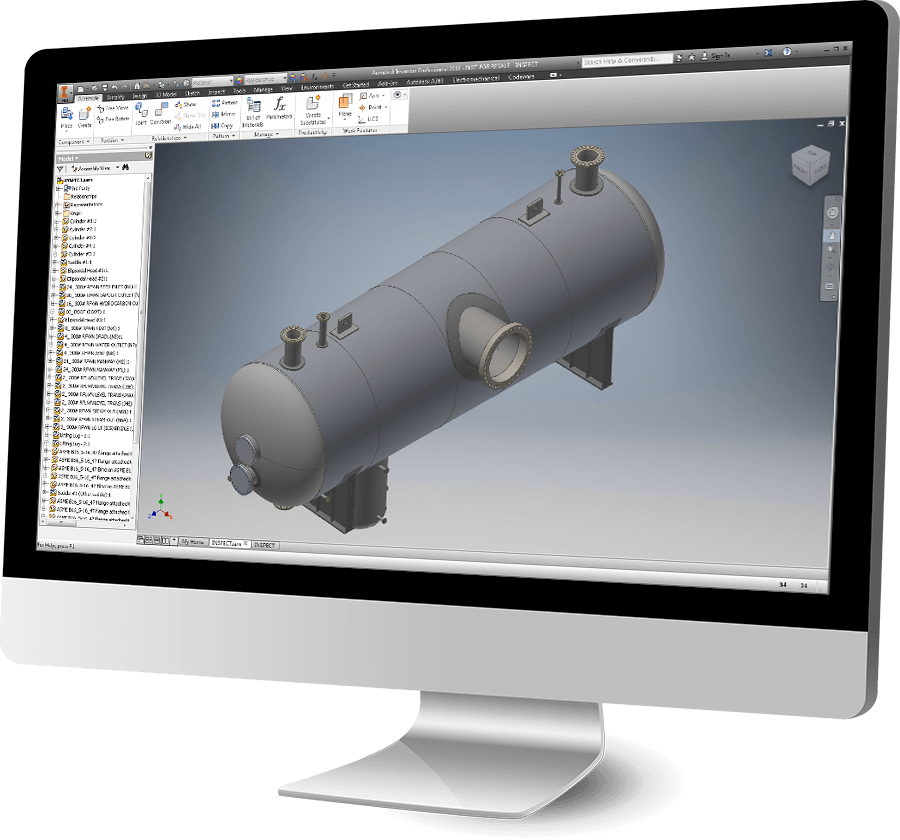
The Codeware Interface® (CWI) is a CAD add-in that transfers COMPRESS and INSPECT designs into Autodesk Inventor. It manages the equipment data associated with the solid model and includes Drafter 3D, a feature that automatically produces 2D drawings. The CWI also provides customizable tables, templates and functions that work with Drafter 3D to enable generation of drawings that conform to your company’s drafting standards. The functionality provided by the CWI is not available from any of our competitors and is included with each up to date license of COMPRESS or INSPECT at no additional cost.
INSPECT And COMPRESS Share a Common File Format
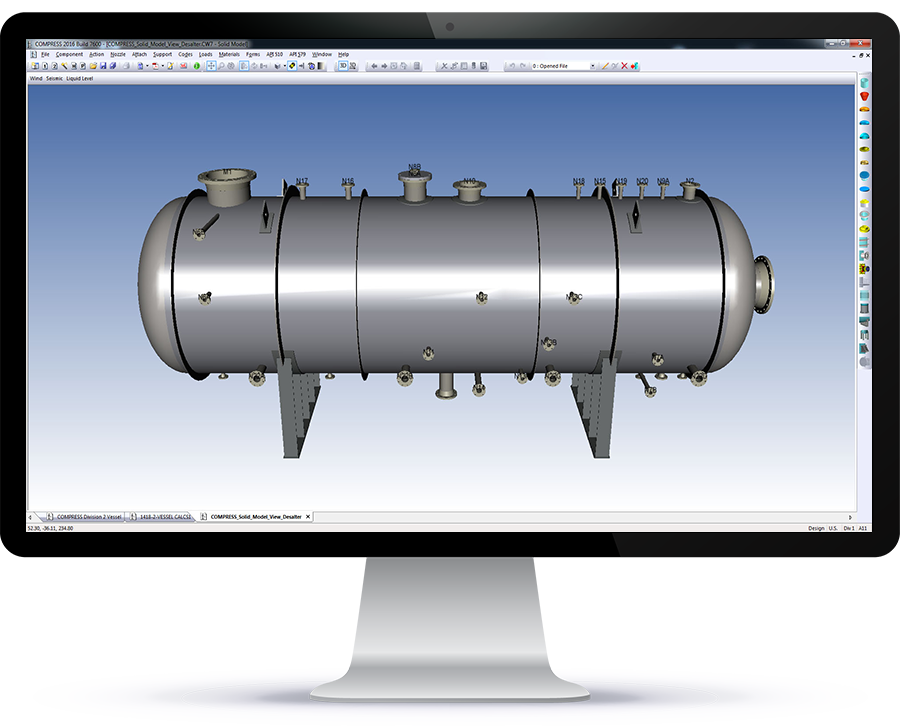
INSPECT adds inspection data management, Mechanical Integrity, Fitness-For-Service and other post construction capabilities to our market leading COMPRESS software. Because INSPECT is an extension of COMPRESS, both programs share a common user interface and file format. This commonality makes the transition from COMPRESS to INSPECT easy.
Create Pressure Vessel Cost Estimates With COSTER
The COSTER Excel add-in imports Codeware designs and creates customizable cost estimates in spreadsheet format. COSTER:
Export 3D Solid Model Files To Third Party CAD Programs
In addition to Autodesk Inventor integration provided by the Codeware Interface, COMPRESS and INSPECT feature a 3D solid model export in a variety of industry standard file formats. These files can be loaded by most drafting, plant design, CFD and FEA programs. Note that our solid model generation is a built- in feature that does not require any third party software. The supported file formats include:
Integration with Piping Layout Programs
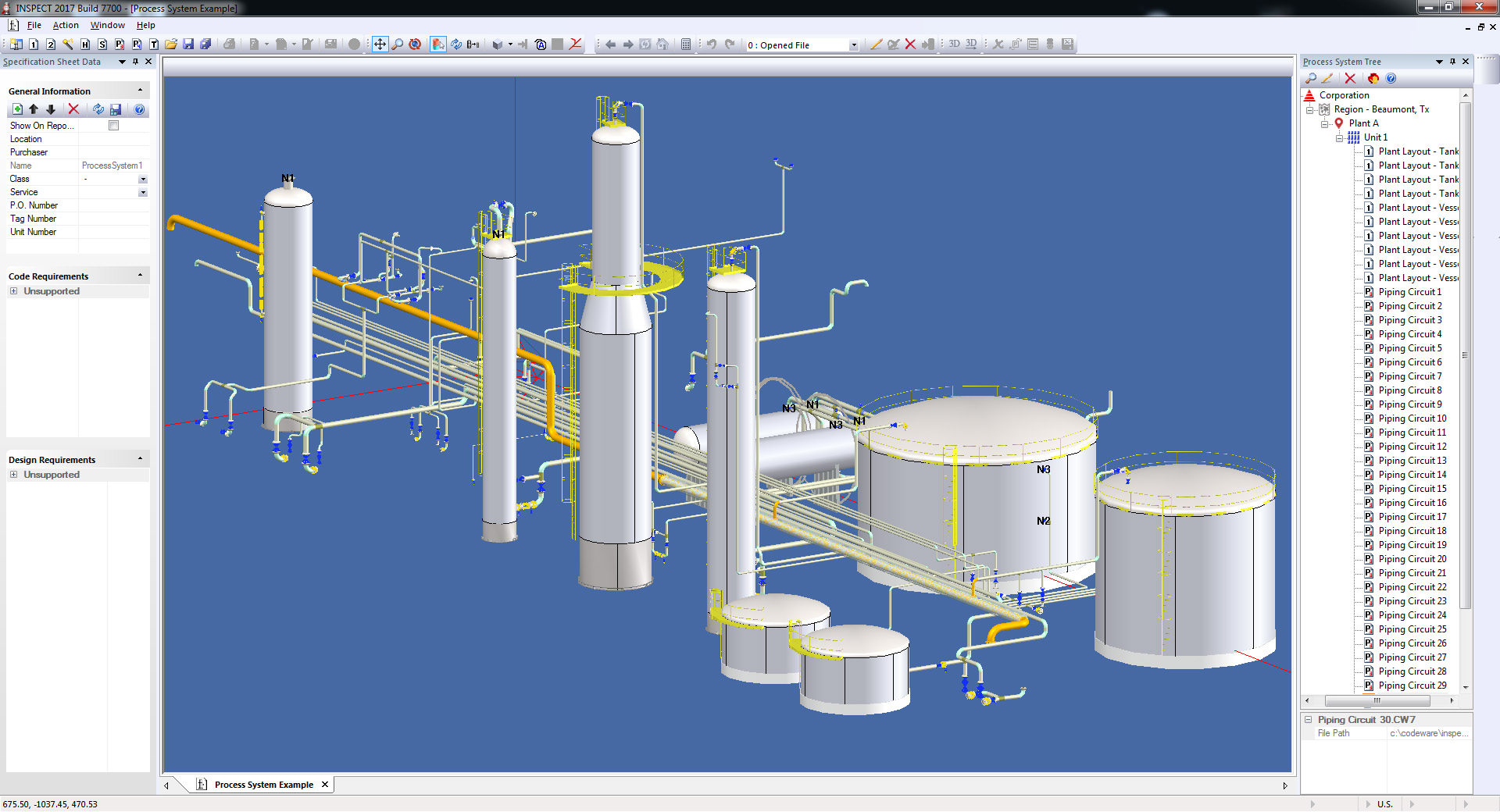
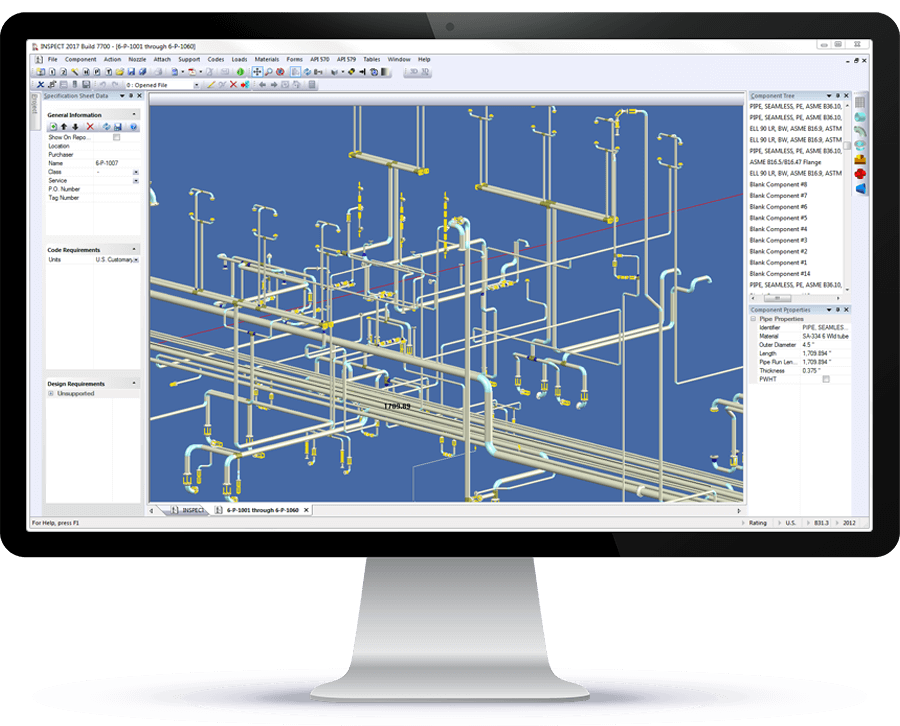
INSPECT can import\export piping systems to\from any program that supports the industry standard *.pcf file format. This saves time when setting up a piping mechanical integrity program as complex piping systems do not need to be modeled from scratch. Compatible software includes:
Integration with Plant Layout Programs
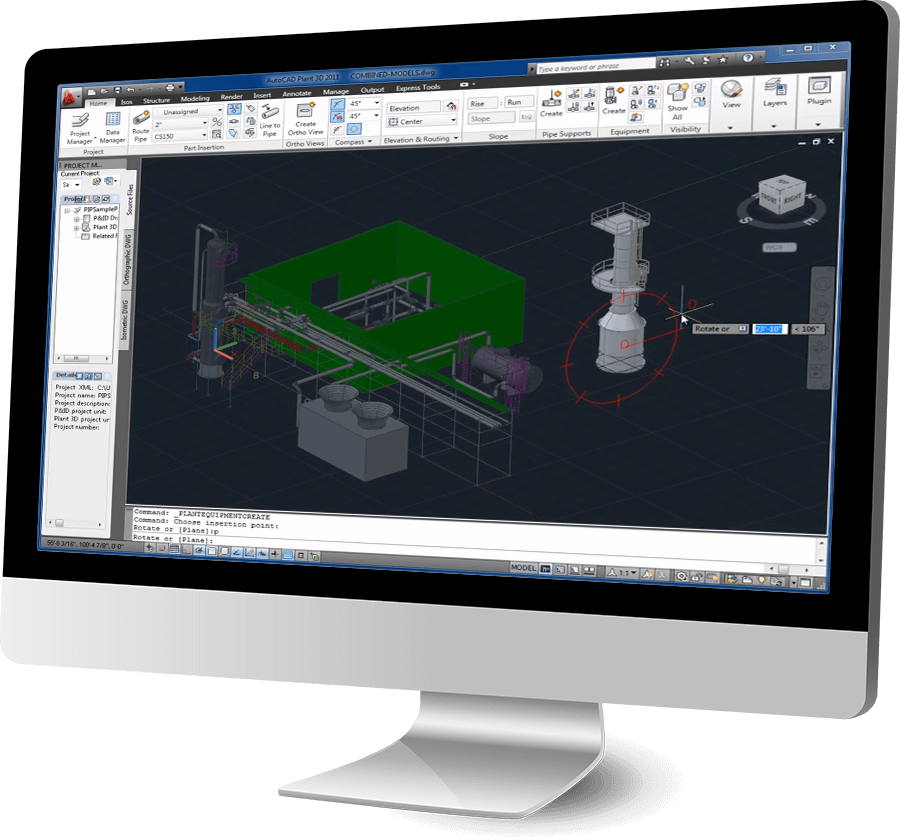
Are your 3D plant layouts starting with “place holder” fixed equipment models that will need to be corrected later? Why use “place holder” fixed equipment models at all? Our unique 3D smart solid model export helps designers get 3D plant layouts right earlier in the design cycle by starting with ASME Code-compliant Codeware 3D solid models. To place anchors, structural steel and route process piping you need flange and support locations – information our “smart” equipment models “know”. Compatible plant layout systems include:
Send ASME Forms to the National Board Electronically
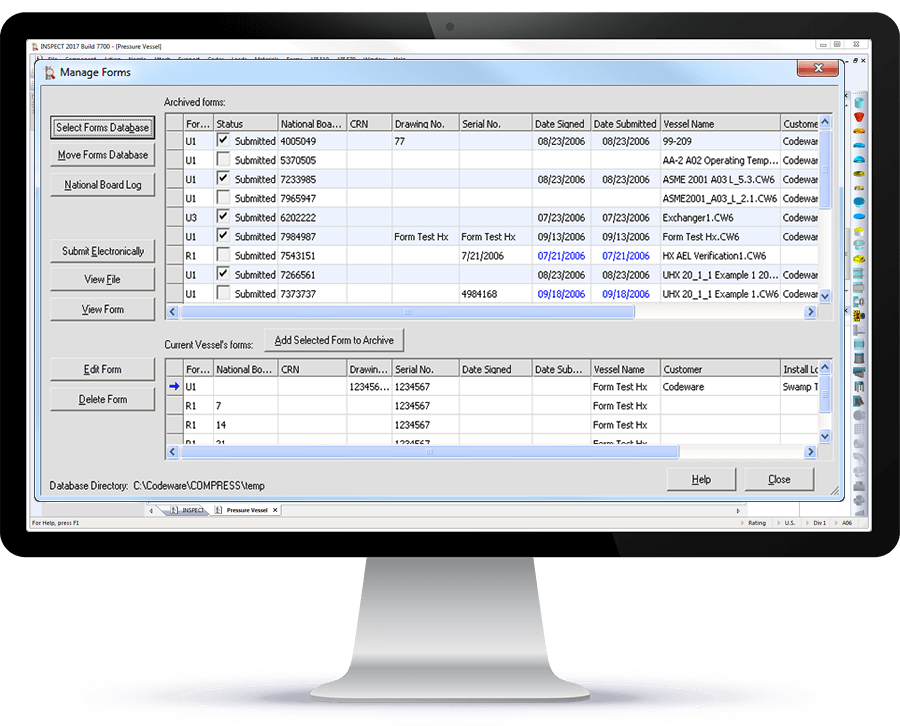
Filling out and managing ASME and National Board registration forms is a time consuming, error prone task. The built-in Forms feature creates ASME U and A forms using data pulled directly from your COMPRESS and INSPECT design files. It also creates National Board Repair and Alteration R forms populated with your company’s information. In addition, the Forms feature includes forms management capabilities for archiving forms and any supporting documentation. The Forms feature:
Support for 3rd Party Custom CAD Software
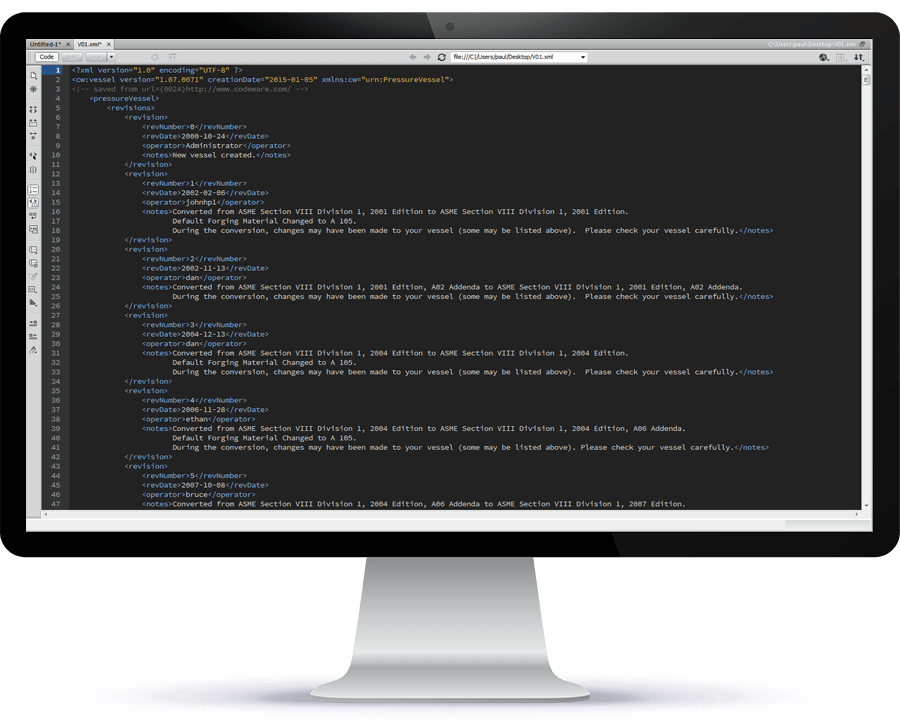
COMPRESS and INSPECT support 3rd party custom software development by providing an XML data export option. Pressure vessel and heat exchanger design files exported using our XML data export can be accessed programmatically using Codeware’s public domain XML schema (data structure).
A major benefit of XML is that it protects investments in custom software because extensions to the Codeware XML schema will not break software written using older schemas. The Codeware schema is self documenting, detailed and complete as it describes the geometry, design specification and relationships between the various components.
INSPECT Data Logger and Thickness Gage Integration
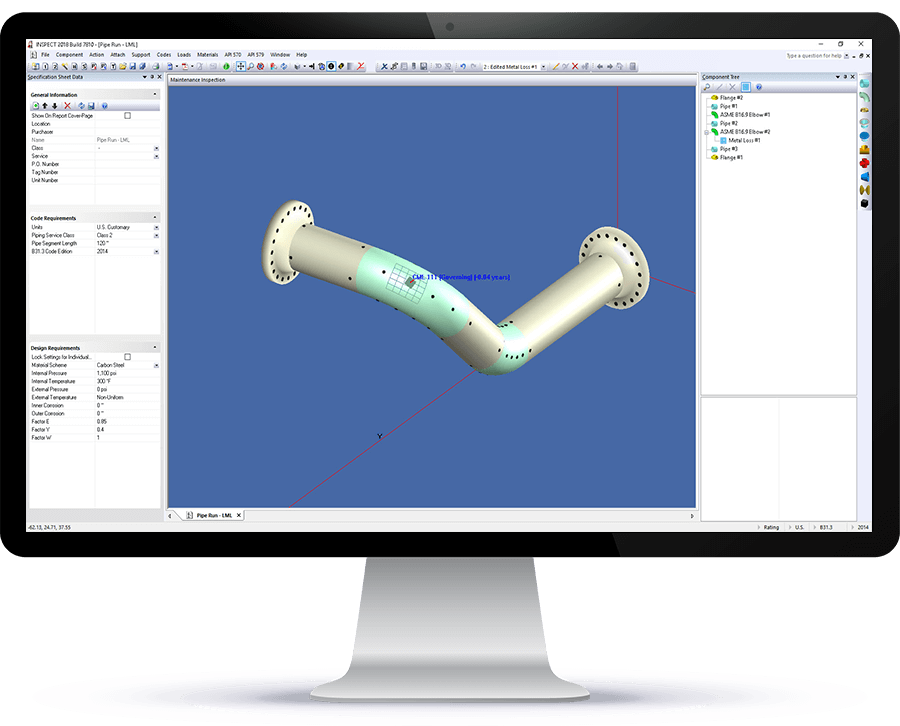
INSPECT saves and reduces errors by accessing your data logger’s grids and thickness surveys directly. INSPECT’s built-in data logger integration makes setting up inspection grids and retrieving thickness surveys from thickness gages simple and fast.
INSPECT’s IDMS Links to Google Earth
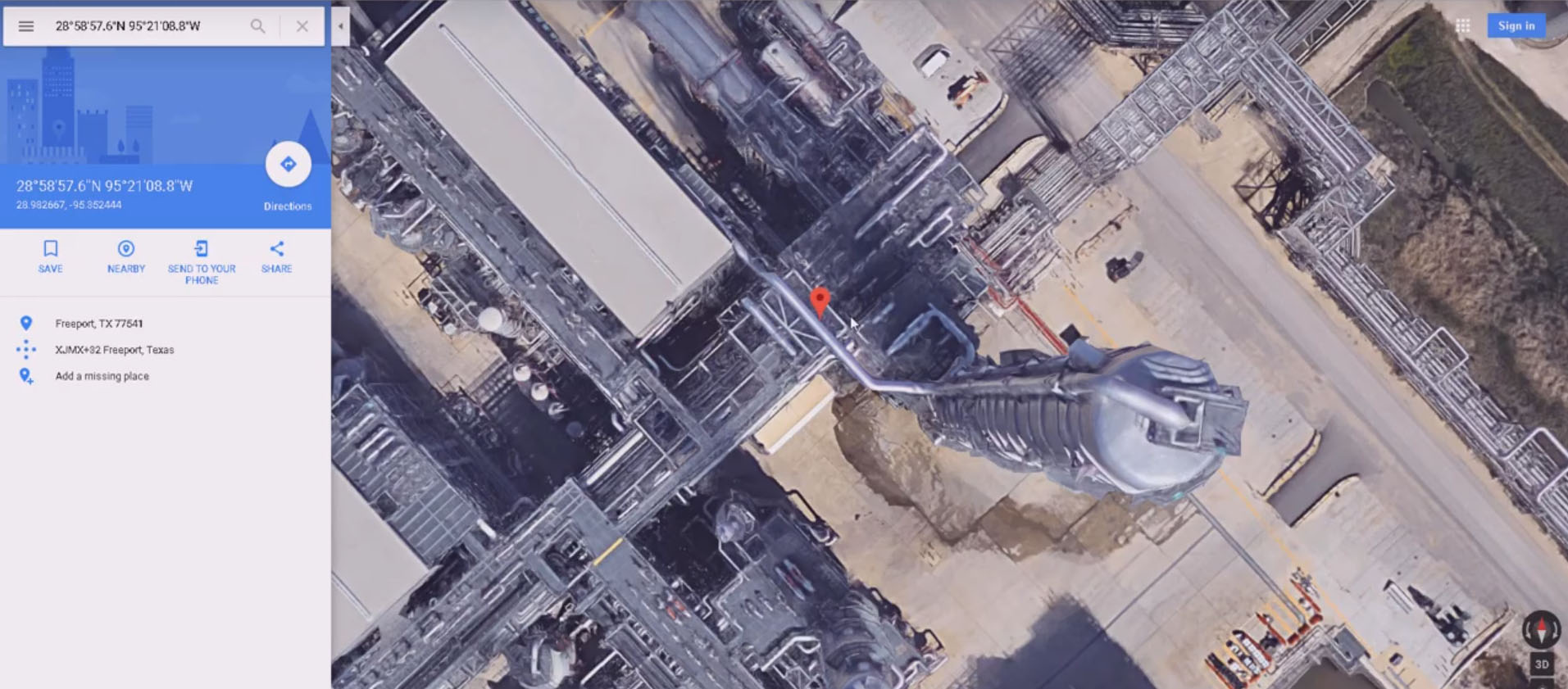
INSPECT includes an inspection data management system (IDMS) that tracks maintenance inspections and thickness surveys. In addition, it also stores GPS positions of fixed equipment and any associated API 579 flaws such as local thin areas and pitting. Flaw locations can be conveniently displayed in Google Earth by clicking on the GPS coordinates in the corresponding flaw report. This saves time and reduces errors by helping personnel quickly and accurately locate equipment and inspection locations within your facility.
Integration Between Excel Spreadsheets and INSPECT
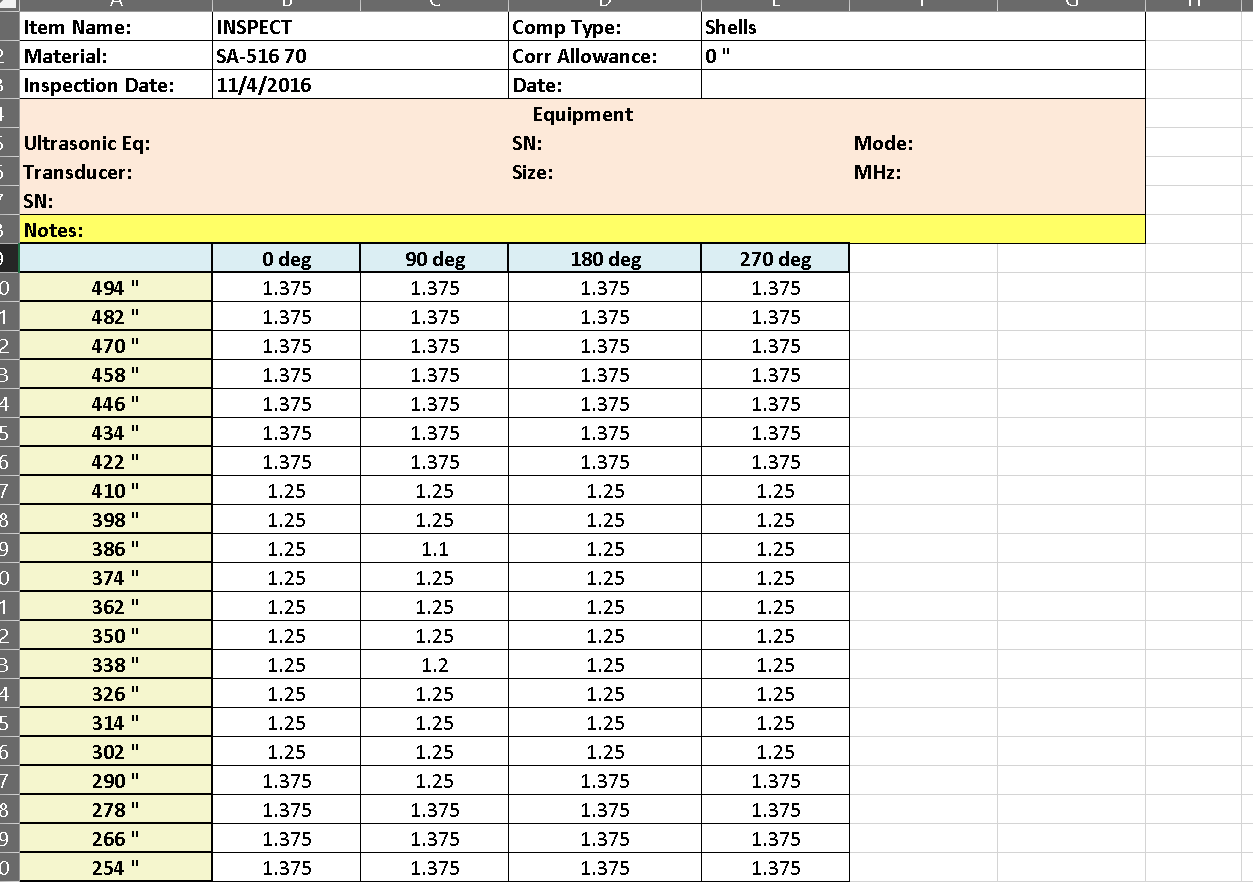
Another useful feature of INSPECT is its ability to export\import thickness inspection grids to\from Excel. This streamlines the process of setting up thickness inspection points (CML’s) and improves coordination between Engineers and Inspectors. The INSPECT work flow eliminates manual data entry as copying and pasting data back and forth is not required. It also reduces errors and confusion because the Engineer and the Inspector are always working with the same data.
+1 (941) 927-2670 | sales@codeware.com