
INSPECT Training

API 579 Fitness-for-Service assessments are complex and require a strong understanding of engineering standards. Every INSPECT license includes training and support resources designed to help users work confidently and efficiently.

What you get when licensing INSPECT:
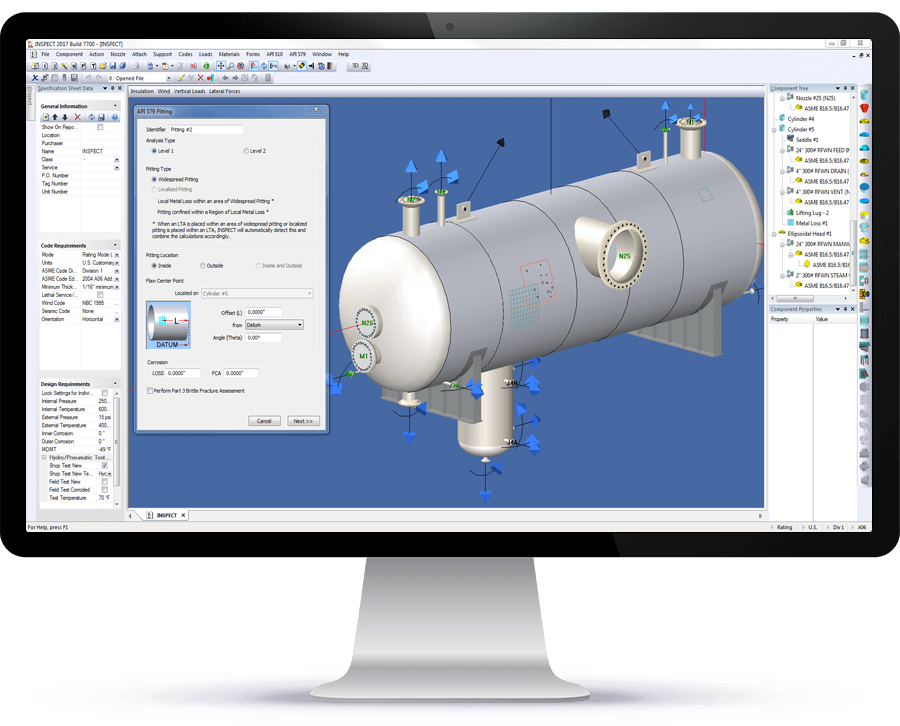
  • Free online INSPECT training led by an experienced mechanical engineer.
  • Full access to the Codeware Support Center, including self-guided training on API 579, API 650, and ASME Section VIII, Division 1, along with video tutorials, knowledge articles, and integrated case management

  • Built-in, context-sensitive help within INSPECT, with instant access to relevant documentation by pressing F1 on certain dialogs.
  • INSPECT includes the full capabilities of COMPRESS, extending training coverage to new pressure vessel design.

  • Direct access to the Codeware team, allowing your feedback and ideas to influence the future of INSPECT.

Training Scheduling Workflow

What Questions Can I Ask?

We welcome questions of any size or complexity when using INSPECT. Whether you’re looking for clarification on a basic workflow or guidance through a complex API 579 assessment, our team is here to help. Codeware’s engineers and support staff work closely with users to provide clear, practical answers that build confidence and ensure accurate, defensible results.

  • What types of equipment can INSPECT analyze for FFS and inspection?
  • Does the tmin take into account the structural minimum thickness when performing Part 4 General metal loss assessments?
  • What’s the best way to import thickness data into the software?
  • How do we include photos in the inspection reports?
  • Can you demonstrate how to generate a limiting flaw curve for a crack-like flaw?

  • What thickness gage data loggers are compatible with INSPECT?

  • How do you consider material allowable stress values for pre 1995 codes?

  • Does the software account for flaw interactions?

Ready To Schedule Training?

Once your licensing is finalized, you can download INSPECT and schedule a training session immediately.