Integrate COMPRESS with Autodesk Inventor, SolidWorks
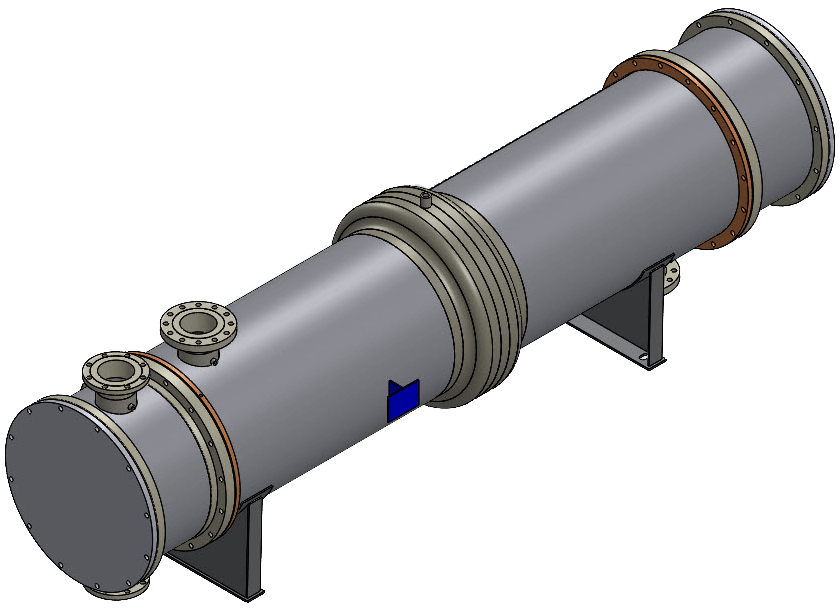
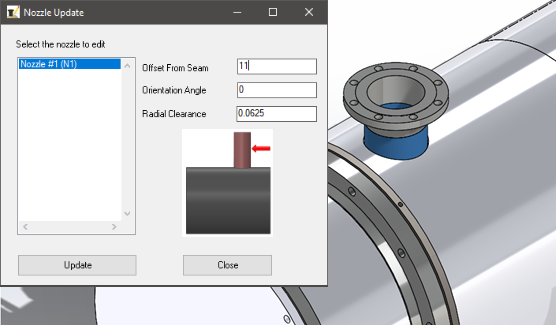
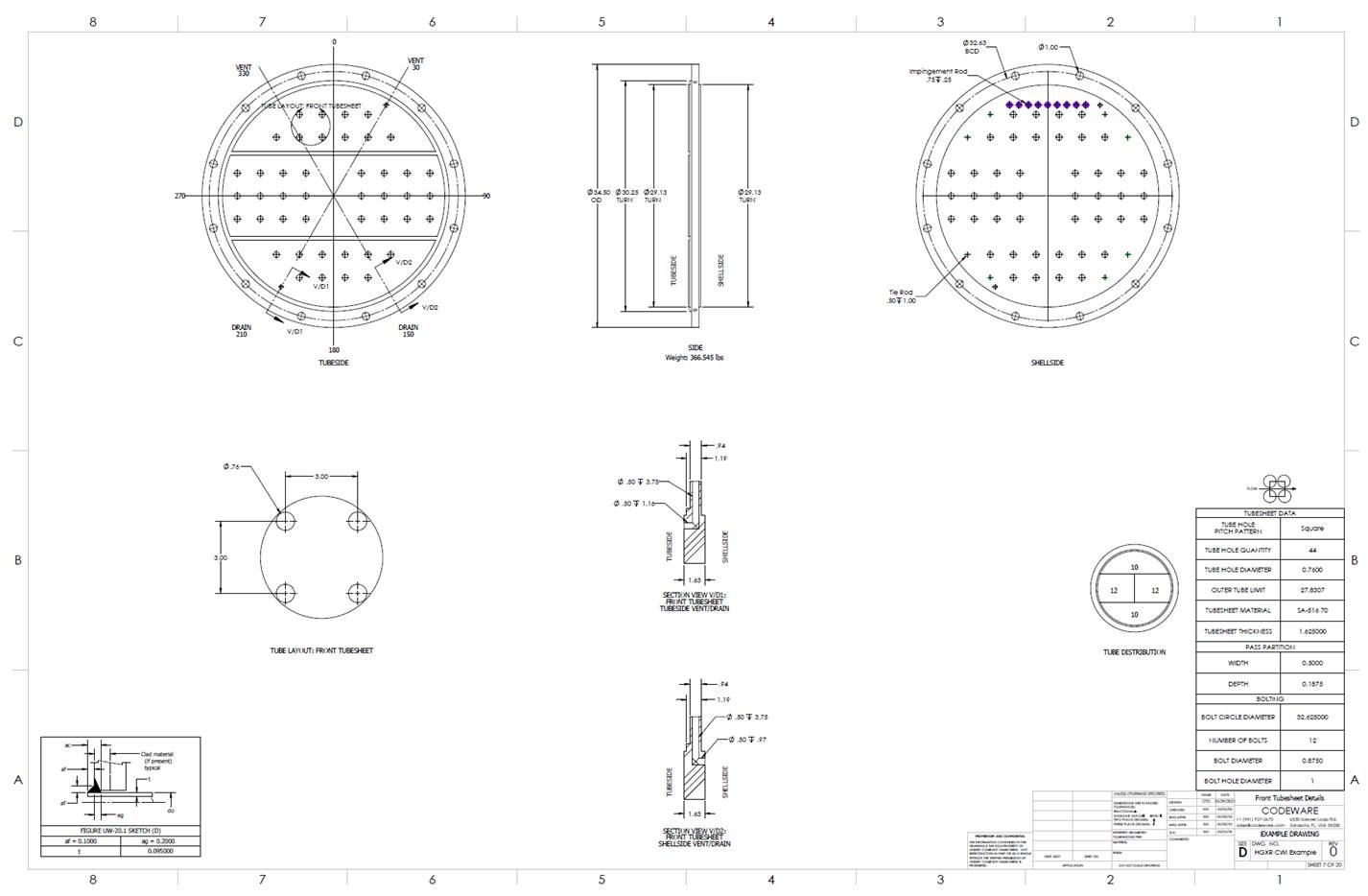
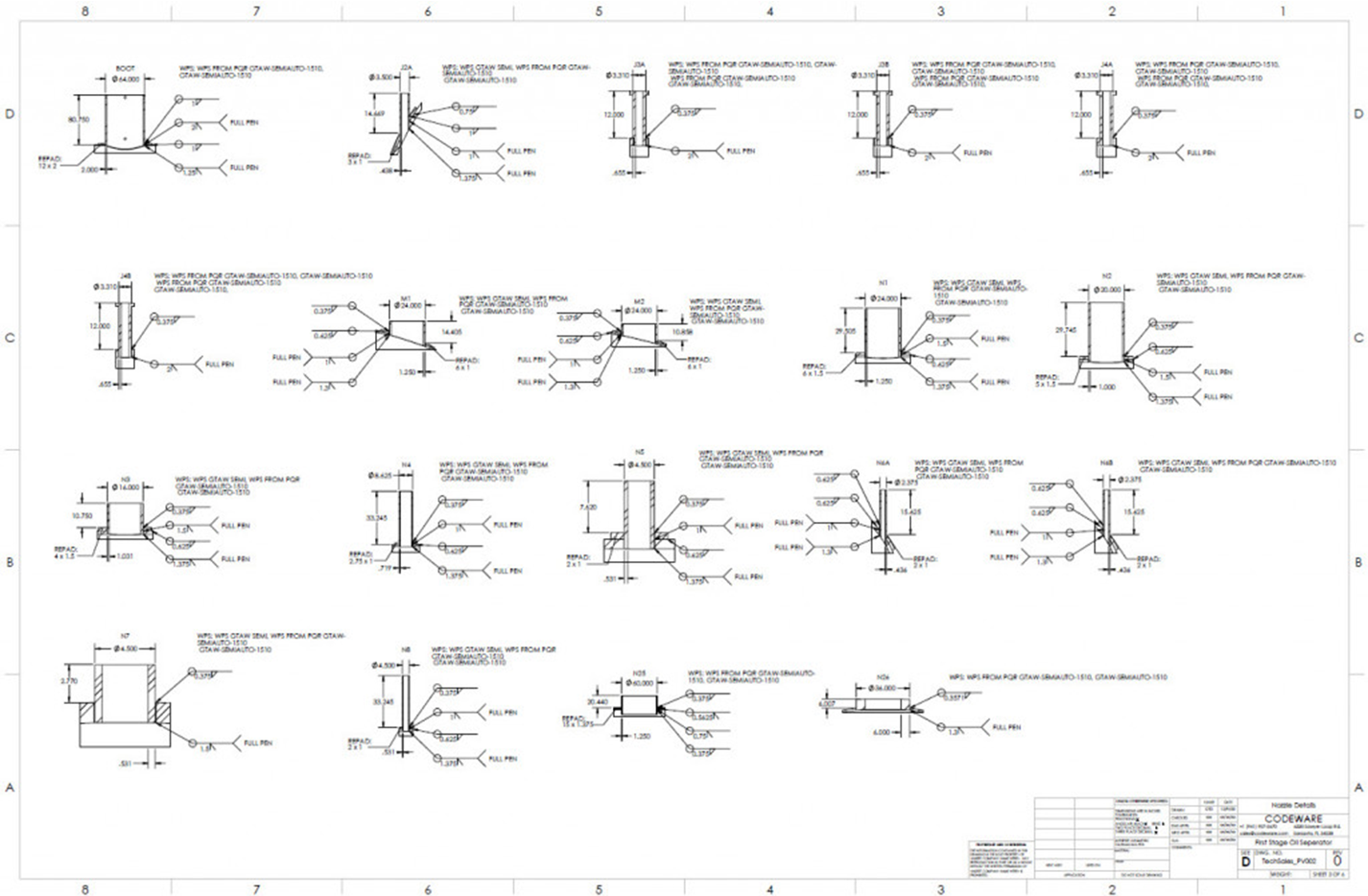
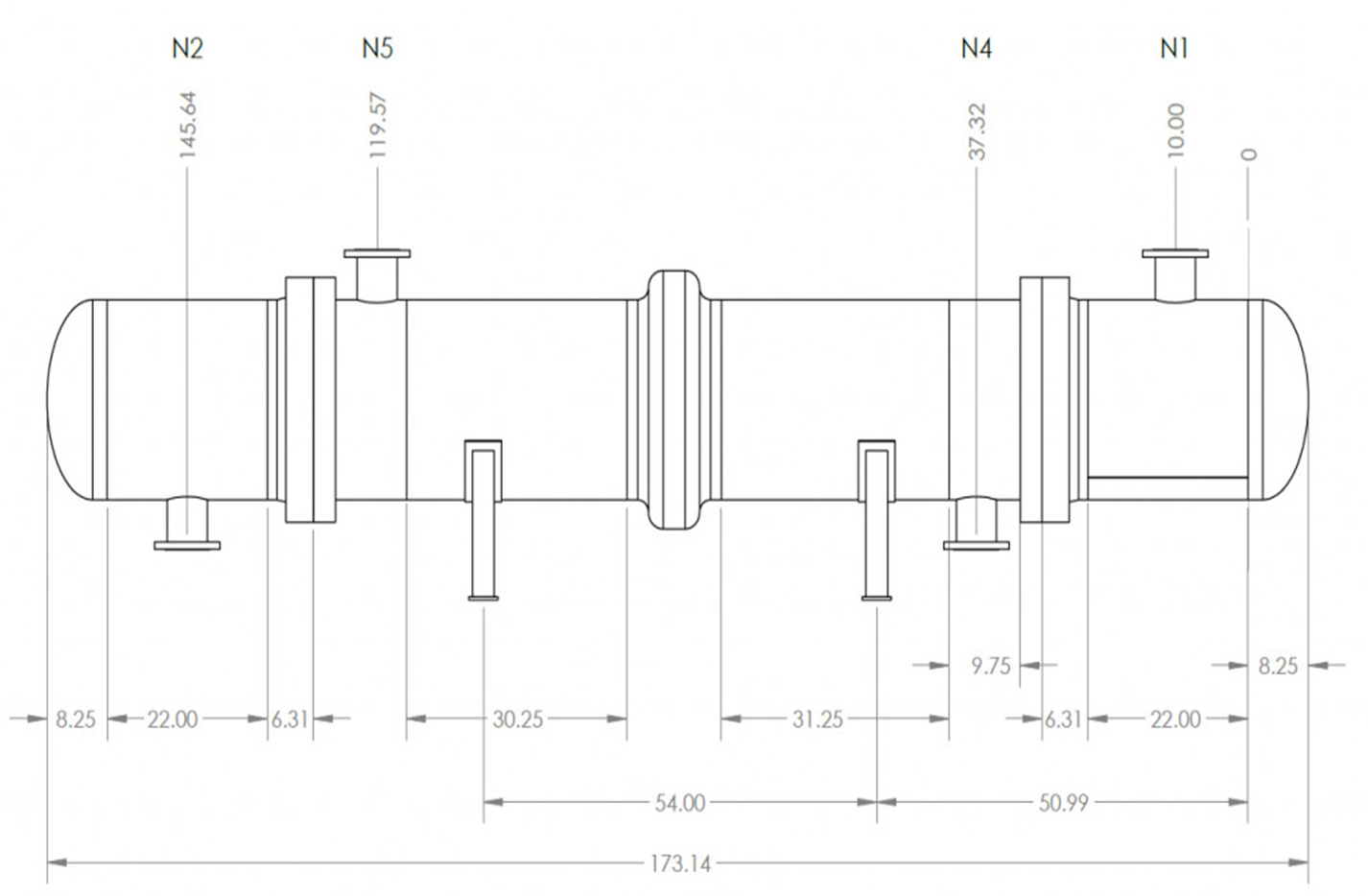
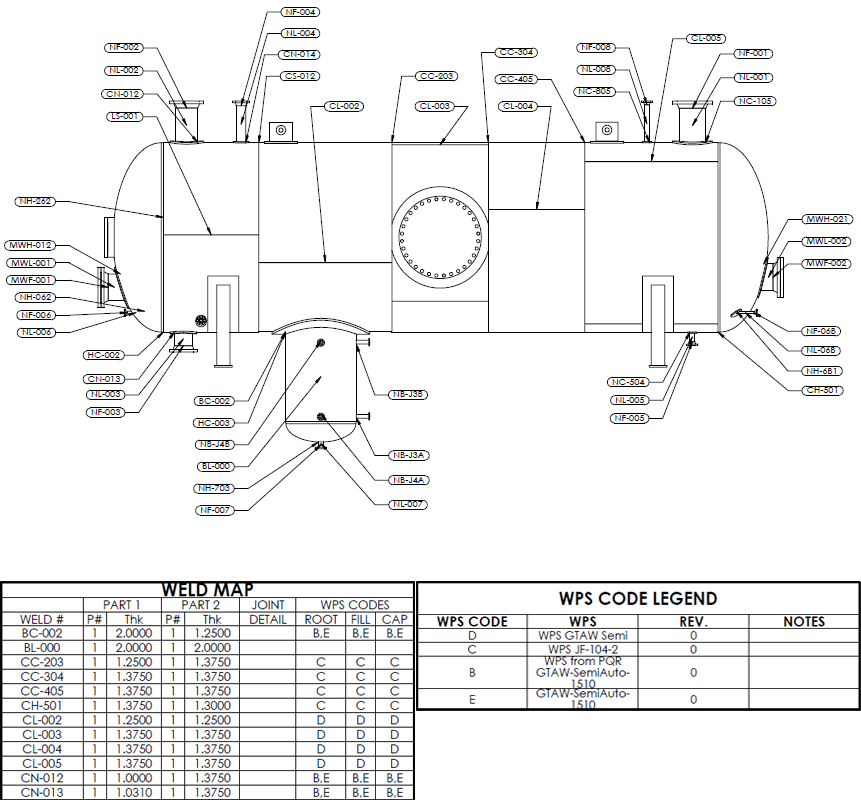
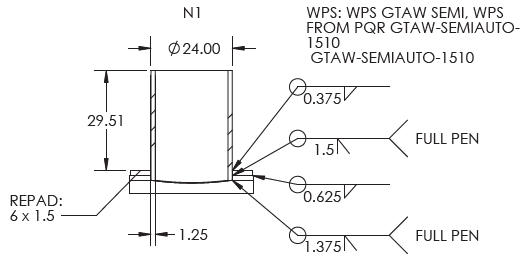
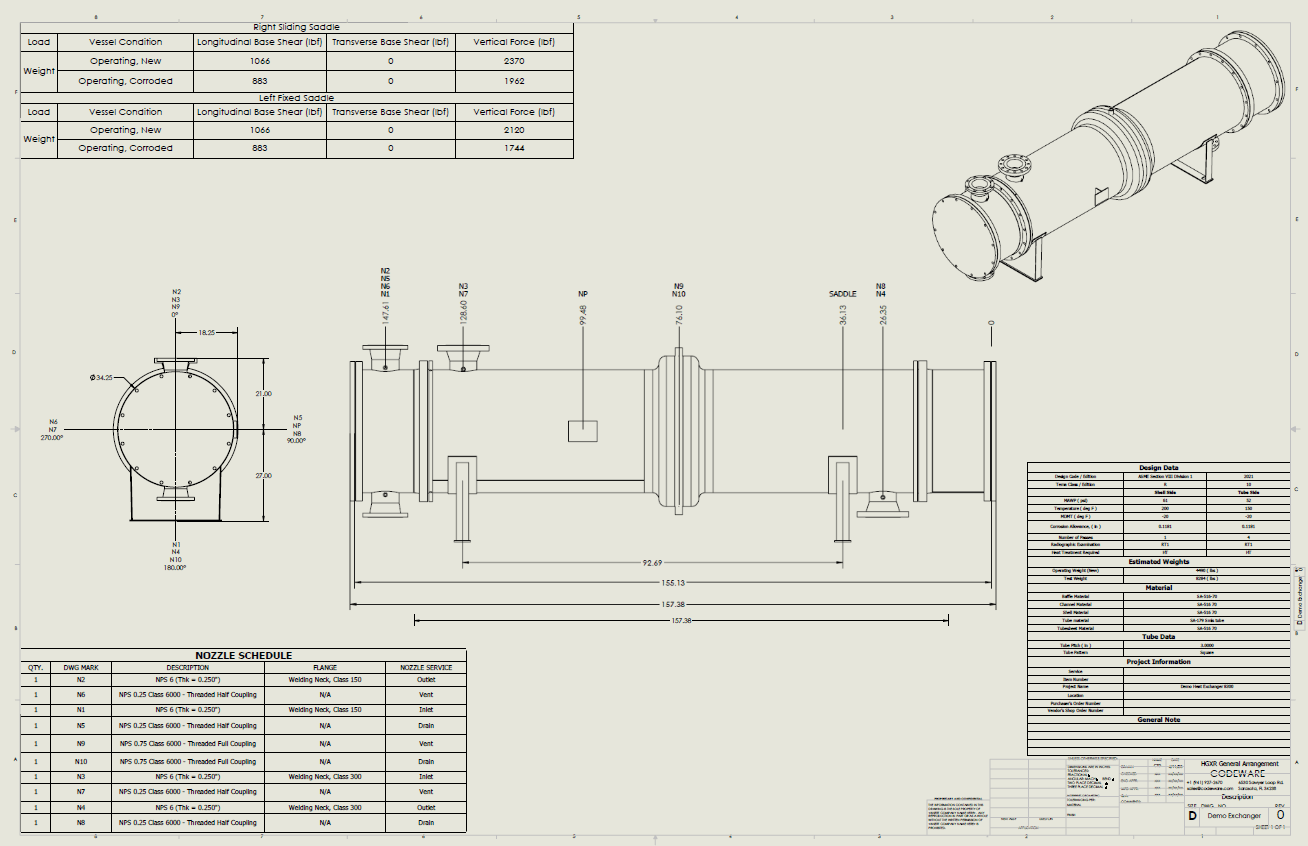
COMPRESS® now includes full integration with Autodesk® Inventor® and SolidWorks®. With the no-charge Codeware Interface™ add-in for either package you can quickly:
If you're not using Autodesk Inventor or SolidWorks, we also offer a 3D Solid Model Export from COMPRESS to drafting and plant design systems.
How does the Codeware Interface work?
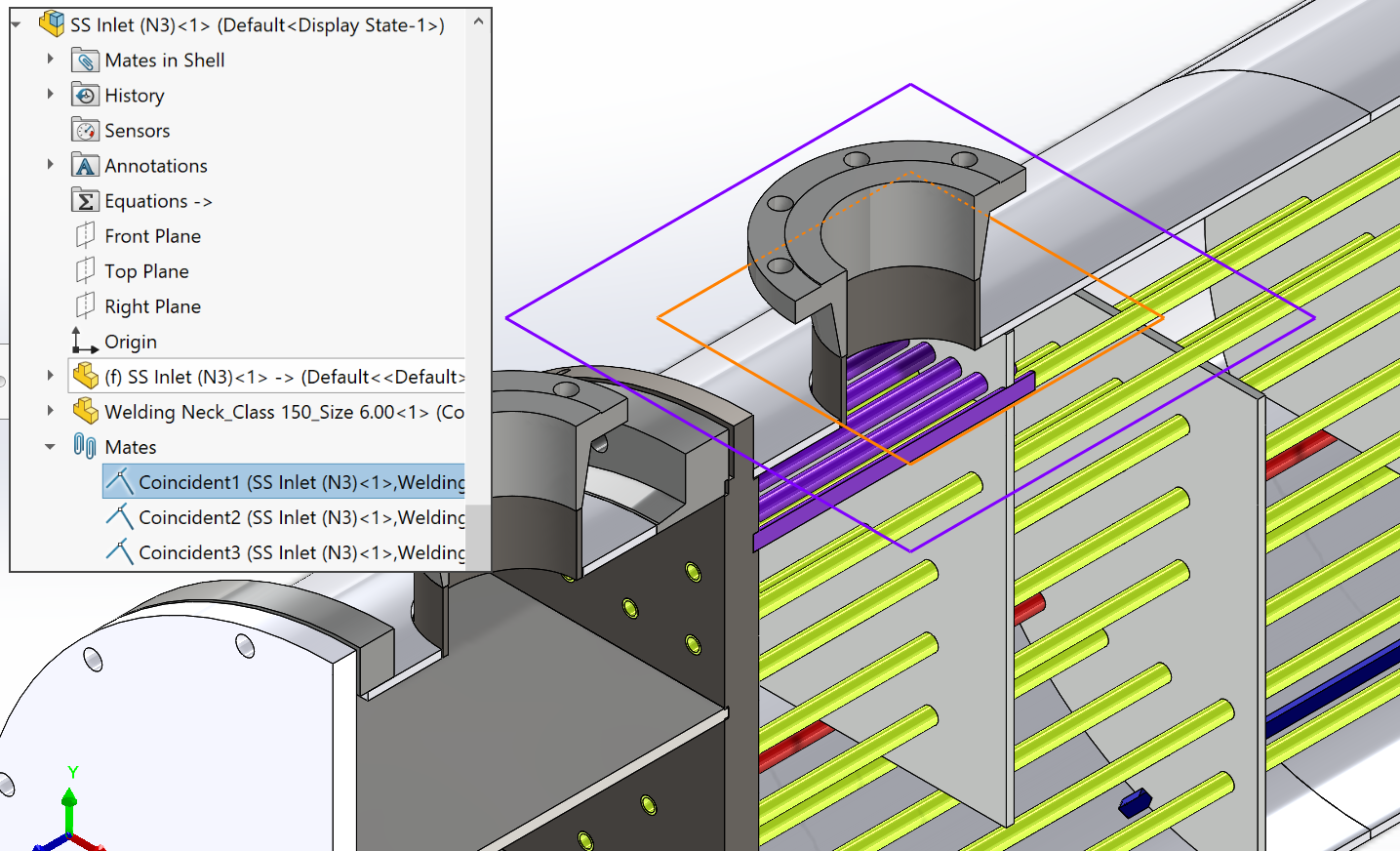
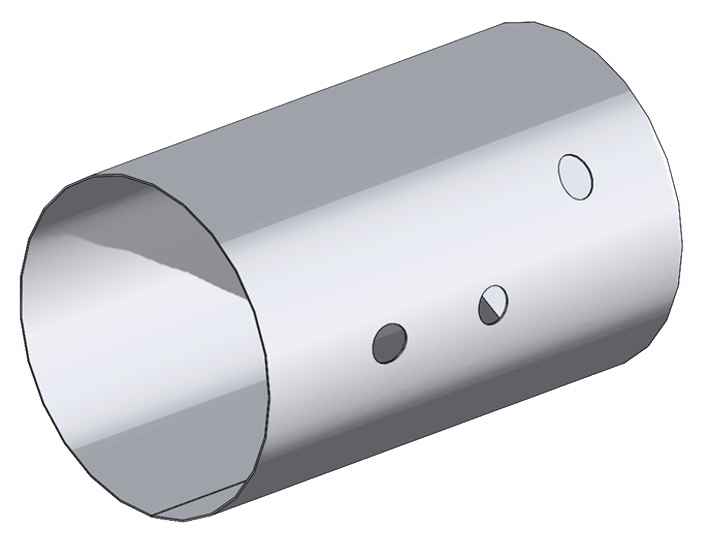
The Codeware Interface is an add-in to either Autodesk Inventor or Dassault Systèmes SolidWorks. Once installed, it imports the 3D solid model geometry and design details from your COMPRESS file. Unlike legacy 2D data transfer solutions, the Codeware Interface supports the new 3D solid modeling tools, giving you greater control over how you use your model.
COMPRESS 2013 (or later) is required to use the Codeware Interface.
Download Codeware Interface System Requirements
Try Importing a Sample File
To see how this works, load our sample file into Inventor or Solidworks. The sample files have already been processed by the add-in.
Step 1: Download the .zip file
Step 2: Extract the .zip file on your computer
Step 3: Open the assembly file
Is there an extra charge for the Codeware Interface?
No, the Codeware Interface is available at no additional cost provided that your COMPRESS support is current. Three (3) Codeware Interface licenses are included with each single user license. Five (5) Codeware Interface licenses are included with each network and enterprise network license.
How do I access the Codeware Interface?
We're here to help. Contact Us or Call 941.927.2670 for more information.