
COMPRESS
ASME VIII Pressure Vessel Software
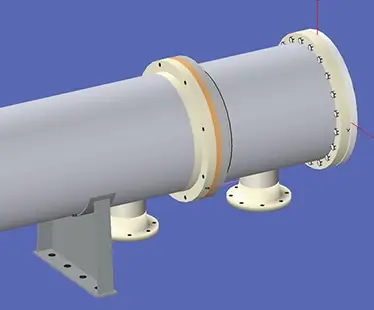
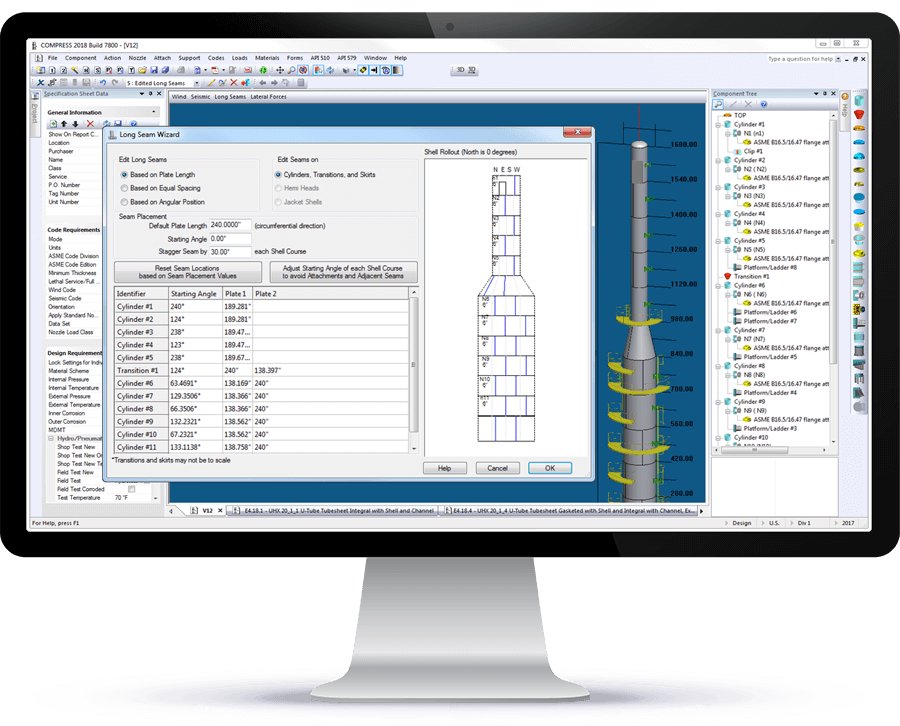
Shorten your engineering design cycle with the leading ASME VIII compliance engine. COMPRESS checks your inputs, makes design recommendations and produces industry-standard pressure vessel design reports. Tasks such as compiling reports, determining MDMT, calculating hillside nozzle intersections and accounting for liquid static head are handled for you. Capabilities like finite element analysis (FEA), solid modeling, lift lugs, clips, cladding, and fatigue screening assessments come standard.
Increase Your Capabilities With COMPRESS
UG-28 rules for external pressure design and vacuum rating.




Relied Upon by Companies Worldwide















Why COMPRESS?
Shorten Your Engineering Design Cycle
Focus more time on the design aspects of your projects and spend less time worrying about the nuts and bolts of meeting extensive ASME Code requirements. From designing simple flange pairs to performing complicated seismic calculations or a U-2(g) analysis, COMPRESS shortens your turn-around time while reducing your risk of making a costly mistake.
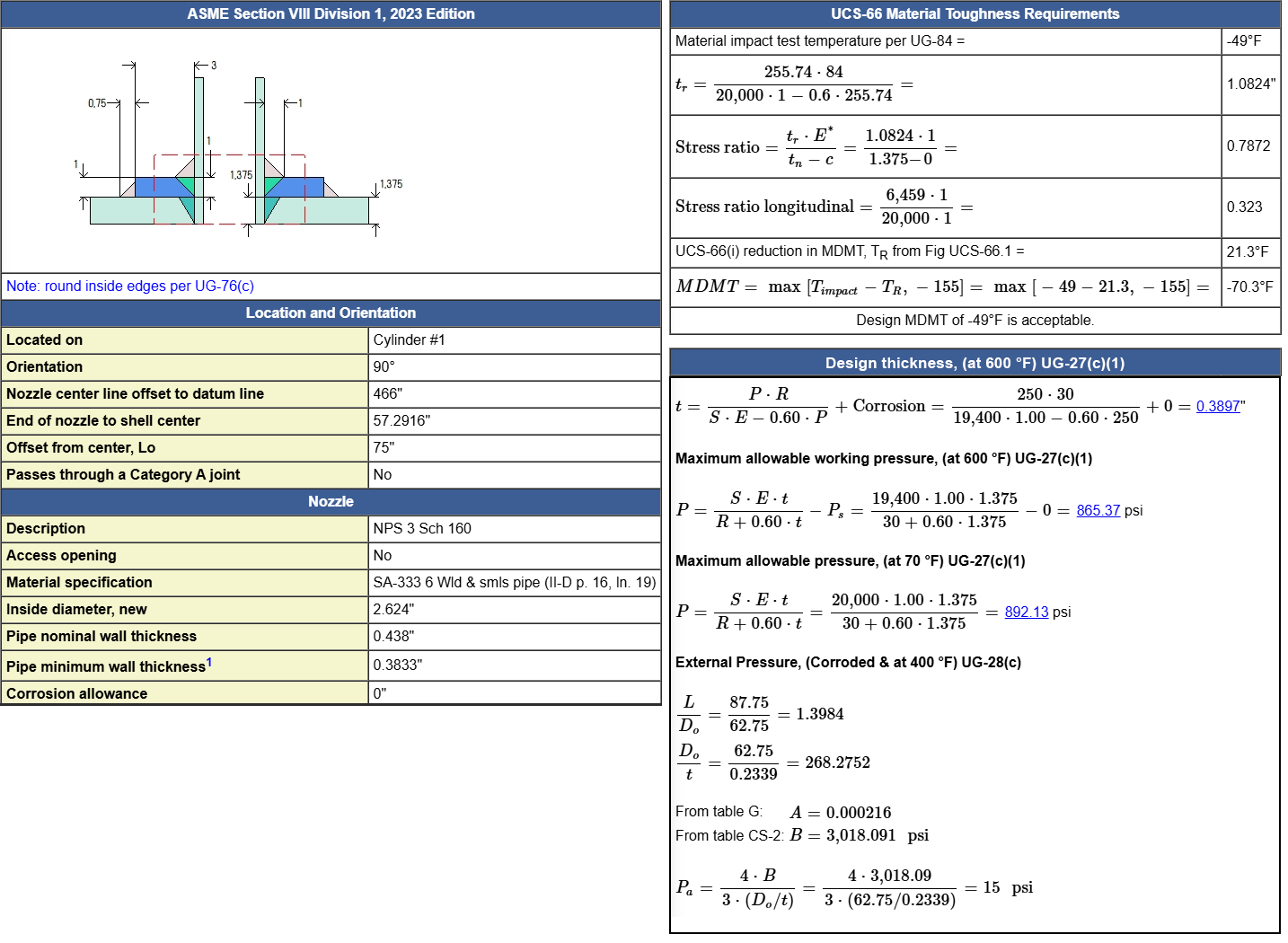
Comprehensive Reports
COMPRESS generates comprehensive ASME Section VIII reports designed for review by regulatory bodies, authorized inspectors, and clients. Each report clearly presents all Code calculations, making it easy to verify design decisions. Reports can include detailed calculations, summary tables, and/or deficiency lists.
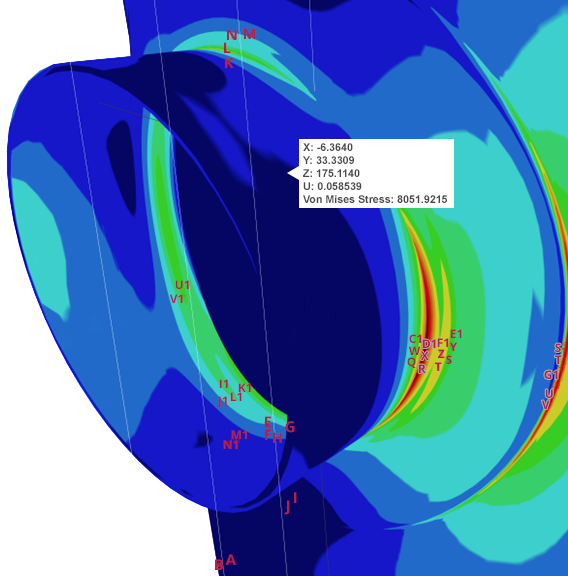
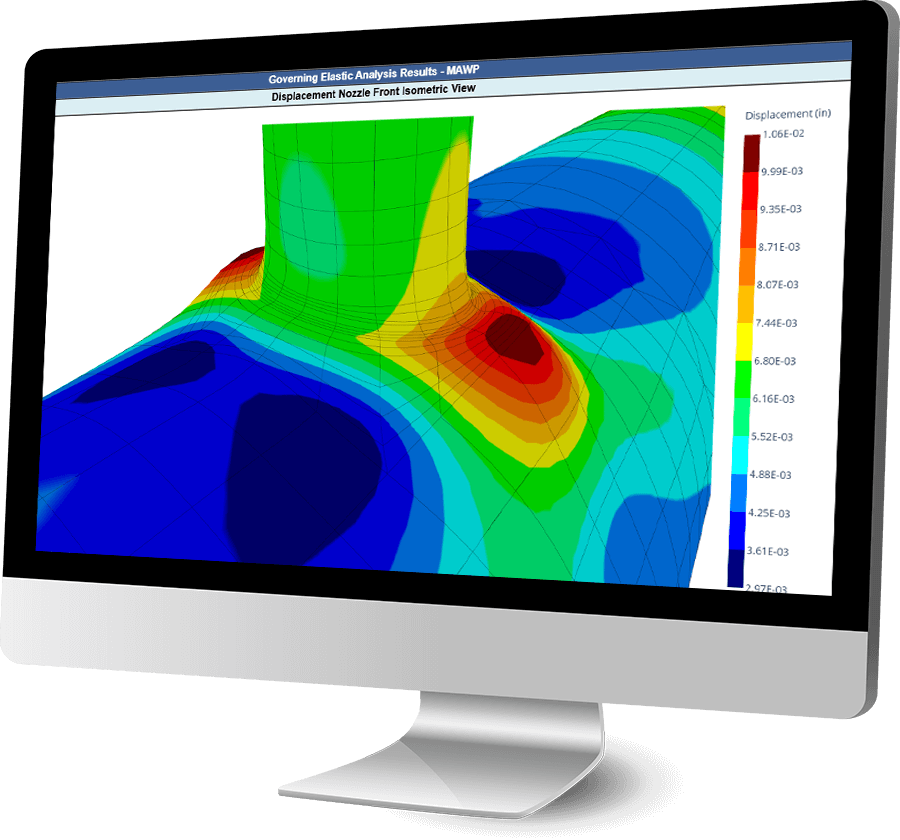
FEA for Nozzles, Clips and TEMA Expansion Joints
The COMPRESS FEA engine, developed by Codeware, is purpose-built to meet the specific stress analysis requirements of the ASME Code. Leveraging advanced Lagrangian 3D elements, it features capabilities such as adaptive meshing and stress error estimating. This specialized approach offers unmatched accuracy for pressure vessel design.
API 650 Aboveground Storage Tank Design
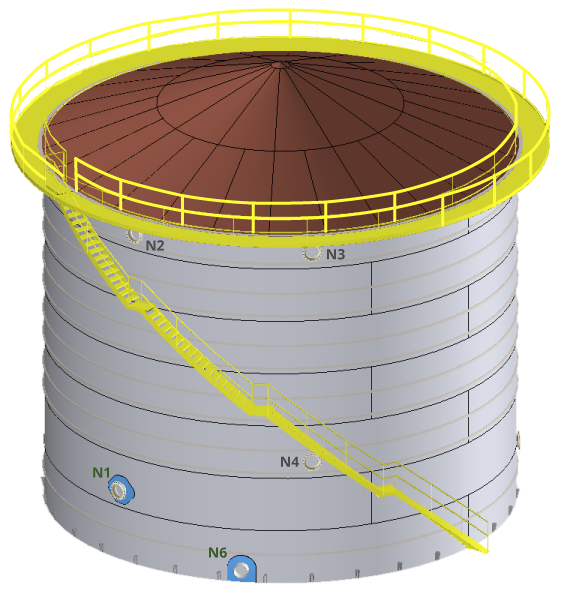
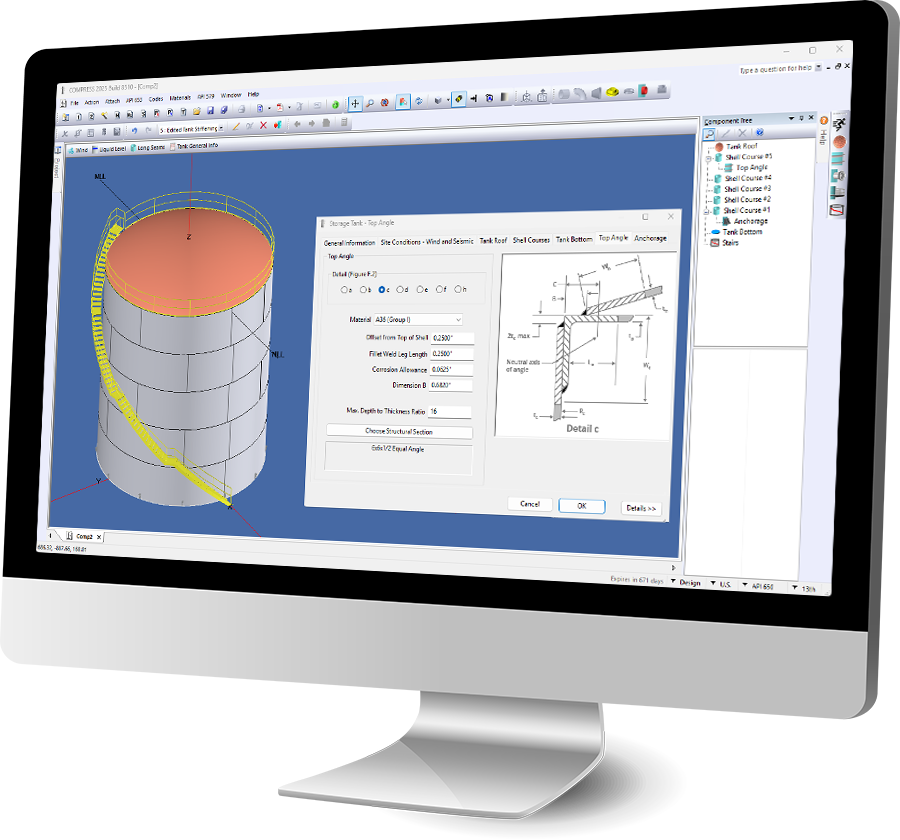
API 650 storage tanks are a critical component of modern infrastructure. COMPRESS simplifies the design process with a guided, step-by-step interface specifically developed for API 650 compliance. Users can easily enter specification data to model tanks while maintaining full flexibility to adjust designs as needed.
Complete the Whole Job
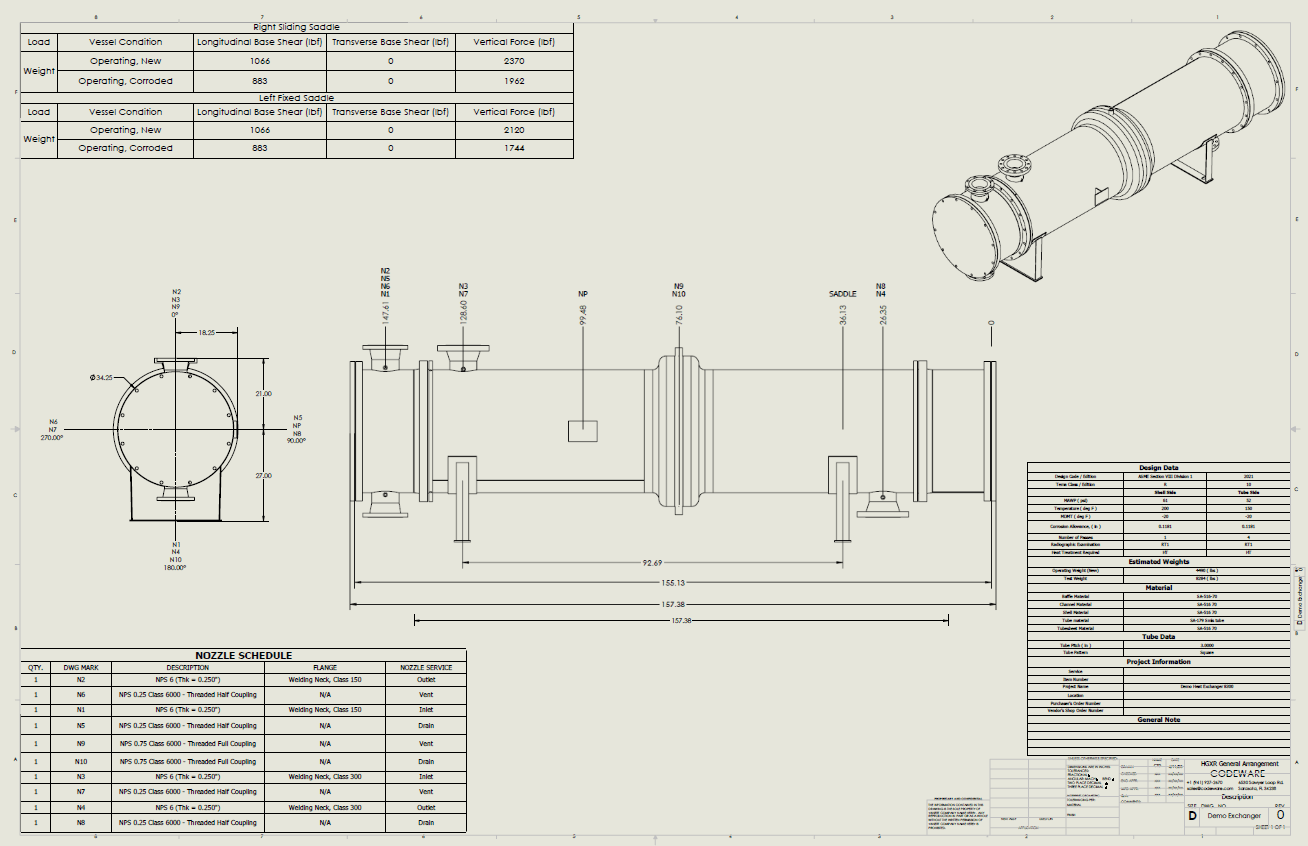
Designing pressure vessels is only part of the job. To complete the whole job, COMPRESS supports cross-departmental workflows:
Authorship of ASME Code Sections
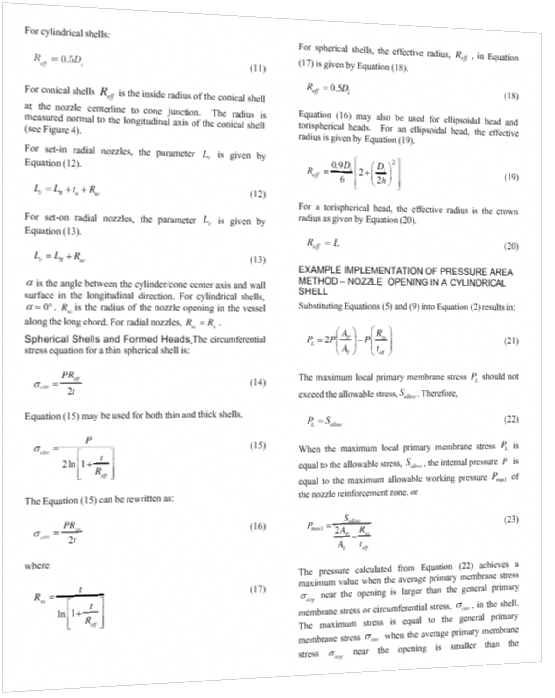
Codeware was given the opportunity to participate in the ASME’s modernization of Codes and Standards effort. Our president, Les Bildy, is the principal author of ASME VIII-1, Appendix 1-10 and ASME VIII-2, Part 4.5 and also co-authored WRC-529 “Development of Design Rules for Nozzles in Pressure Vessels for the ASME B&PV Code, Section VIII, Division 2”

“My participation in this effort is evidence of my long-standing belief in the public benefit of safety codes and standards such as those embodied by the ASME.”
Les M. Bildy, P. Eng.
Exclusive Access to Codeware Support
When you license COMPRESS, you gain access to the industry’s leading ASME Section VIII design engine—plus direct access to the team behind it.
Modern Welding Company
and provide a better solution for our customers."
Enerquip Thermal Solutions
Hooper Welding Enterprises



Extend Your Capabilities Further
The Choice of Leading Companies Worldwide

















Customer List
+1 (941) 927-2670 | sales@codeware.com