Benefits

Keep Up to Date With the Latest Code Addenda

Not only is COMPRESS kept current with the ASME Code, all Addenda are available from within the same COMPRESS release. There is no need to keep multiple software versions installed to work on vessels constructed to various Addenda.  In addition,  any number of COMPRESS versions may be installed on the same computer, a handy feature when executing projects which may span several years.

Let COMPRESS Be Your Expert Assistant

To best suit your project and personal preferences, COMPRESS offers two approaches to modeling vessels: Wizards and free form design.

For quick model creation, COMPRESS includes a Wizard interface. The COMPRESS Vessel Wizard requires only basic information to model typical vessels.  Nozzles, for instance, are entered in batches using a simple list.  For added convenience, any complete vessel file can be converted into a custom Vessel Wizard template, saving redundant data entry.

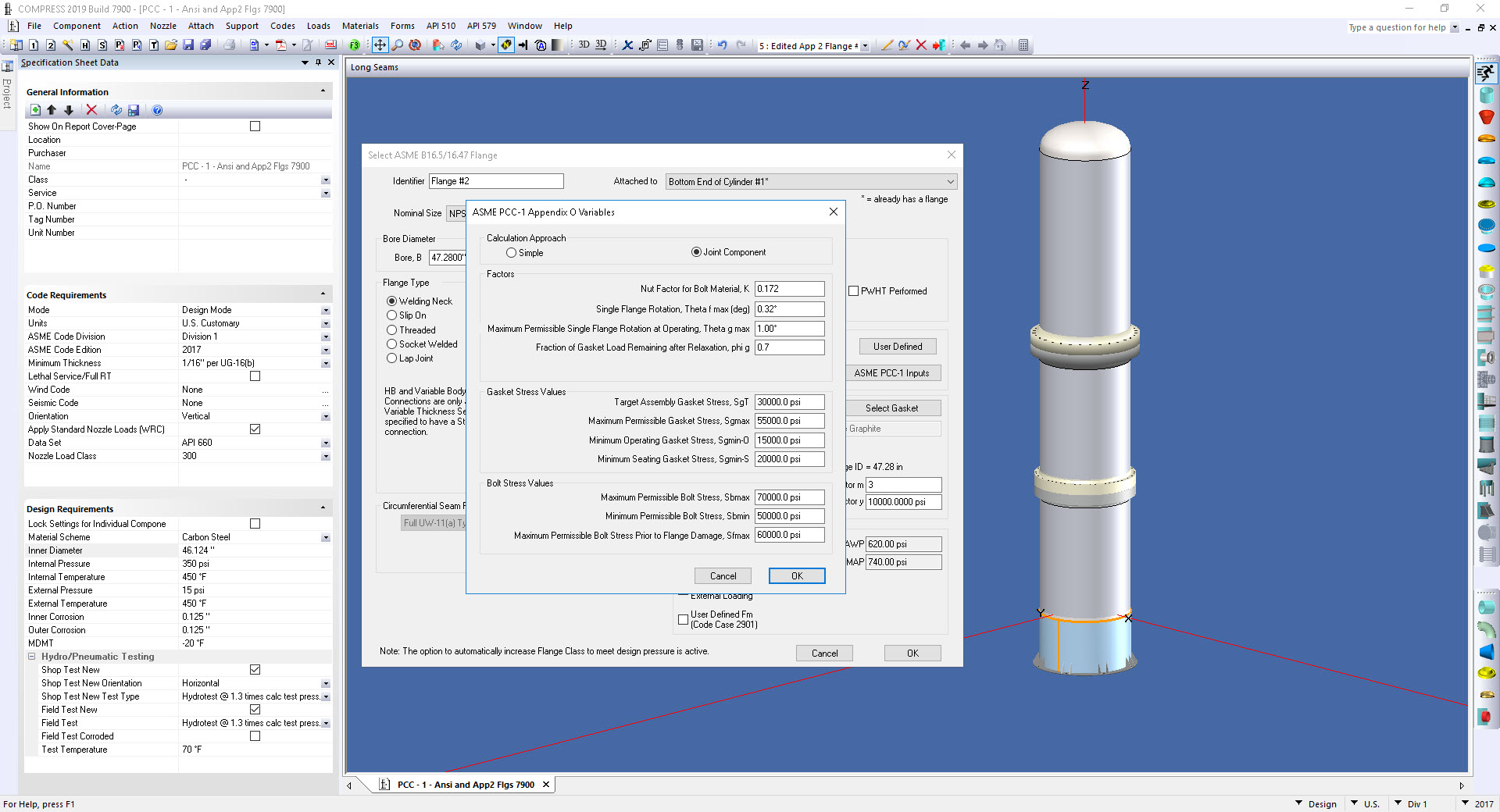
Individual components can be designed without specifying the entire vessel.  You can also access the COMPRESS Component Wizards directly. For example, the Nozzle Wizard automatically selects nozzle details such as wall thickness, weld sizes and will add a reinforcing pad if required.  The Appendix 2 Flange Wizard requires only that the basic design parameters be input and creates optimal custom flanges automatically.

For unparalleled flexibility, COMPRESS offers a component by component free form design approach. This method is useful when designing vessels which do not fit typical parameters and when modifying vessels created by Wizards.

No matter which approach you choose, our standard Windows interface makes learning to use COMPRESS easy. The realistic and accurate vessel depictions offer an intuitive interface and input error traps serve as Code rule reminders.

Entry Modes Tailored to Your Needs

Whether you are building new vessels or rating existing equipment,  you can build your model using a specially tailored input mode.

In design mode, COMPRESS selects sizes, thicknesses and ratings so as to meet Code requirements while speeding the process of creating a vessel or exchanger design.

In rating mode, COMPRESS calculates the pressure rating (MAWP) and\or minimum thickness while allowing you to input the geometry you have. To help you focus on potential problems areas, the COMPRESS Deficiencies Summary highlights components which do not meet Code requirements.  In selected circumstances, warnings and other "good engineering practice" reminders are presented.

Freedom From Geometric Restrictions

COMPRESS handles geometries ranging from individual components to complete vessels and exchangers. COMPRESS is able to work in metric (SI and MKS) and U.S. customary units. The metric provisions of Section VIII and the Metric Edition of Section II, Part D are included. This flexibility makes COMPRESS ideal for use in new construction, re-rating existing equipment and performing mechanical integrity calculations.

Let COMPRESS Manage the Details: An Integrated Model Approach

COMPRESS manages the details so you can focus on the big picture.  As you create a model, all previously input components (objects) are re-evaluated in real time as necessary. Key component properties, such as minimum required thickness and maximum allowable working pressure (MAWP), are continuously updated to reflect the inter-dependencies of the components as defined by the applicable Code rules. A simple example of this is the way a liquid level object in COMPRESS interacts with other vessel components to determine the static head of liquid to add to the design pressure. A more complicated example is the way a wind load interacts with the bolting force used to size a flanged tube sheet extension in a vertical heat exchanger.

The primary benefit of this technology is that you do not need to retroactively change component inputs after they have been created. This reduces design errors and enables you to focus on higher level engineering activities.

Go Beyond the ASME Code

The task of designing vessels and exchangers is not limited to the rules of the ASME Code.  External forces, moments and loads may be specified to act on both the main vessel and nozzles. Local stresses at discontinuities and nozzles are calculated as appropriate. Forces and overturning moments due to weight, wind and seismic loads are automatically determined and applied based on the Building Code selected. COMPRESS also provides an alternative way to input external forces and moments through the user defined wind and seismic options. COMPRESS designs support saddles, lugs, anchor bolts and base plates. COMPRESS provides a lift lug\rigging analysis for investigating the various requirements associated with vessel erection.

Time Saving User Interface

It is important to be able to easily edit your models. By right clicking on the object of interest, you can bring up the appropriate data entry dialog. A tree list is also available if you prefer. When questions arise during data entry, context sensitive help is available.

View Your Projects in Multiple Ways

COMPRESS provides various ways to view your vessels and exchangers. Designing is done using the COMPRESS three dimensional (3D) data entry mode. With one mouse click, designs become a general arrangement drawing, an ASME U Form or a detailed calculation report. As an added convenience, multiple views of multiple vessels can be open simultaneously, allowing you to work on more than one piece of equipment at a time.

Create General Arrangement Drawings

The COMPRESS general arrangement drawing provides overall dimensions and weights suitable for use in specifying vessel and exchanger foundations.  This drawing is suitable for use as a proposal drawing.

Choose From Multiple Reporting Options

Demonstrating calculation compliance to Authorized Inspectors and the NBIC is simplified though indexed PDF reports and integrated U Forms. COMPRESS can generate both detailed and abbreviated reports, the former suitable for use as a calculation audit trail. A minimal report can be generated if you prefer a higher level presentation. To enable quick report navigation and problem resolution, Code rules are linked to inputs and clicking on a calculated result will take you directly to the source calculation. Also, reports may be set up to include your company specific information. Click here for a detailed sample COMPRESS report.

Simplify Information Sharing

All of the required information for each vessel and exchanger created by COMPRESS is conveniently saved in a single file.  This makes it easy to send a COMPRESS design to another party such as your end customer.

Customize the COMPRESS Database to Meet Your Needs

ASME Section II, Part D material properties are included. The user defined materials option also accommodates material specifications not listed in ASME II-D, such as special or in some cases "old" material specifications. For convenience, standard components are supplied in convenient look up tables. User defined gaskets, bolts and support details allow COMPRESS to be tailored to your needs.

Directly Access HTRI® Xchanger Suite® Files

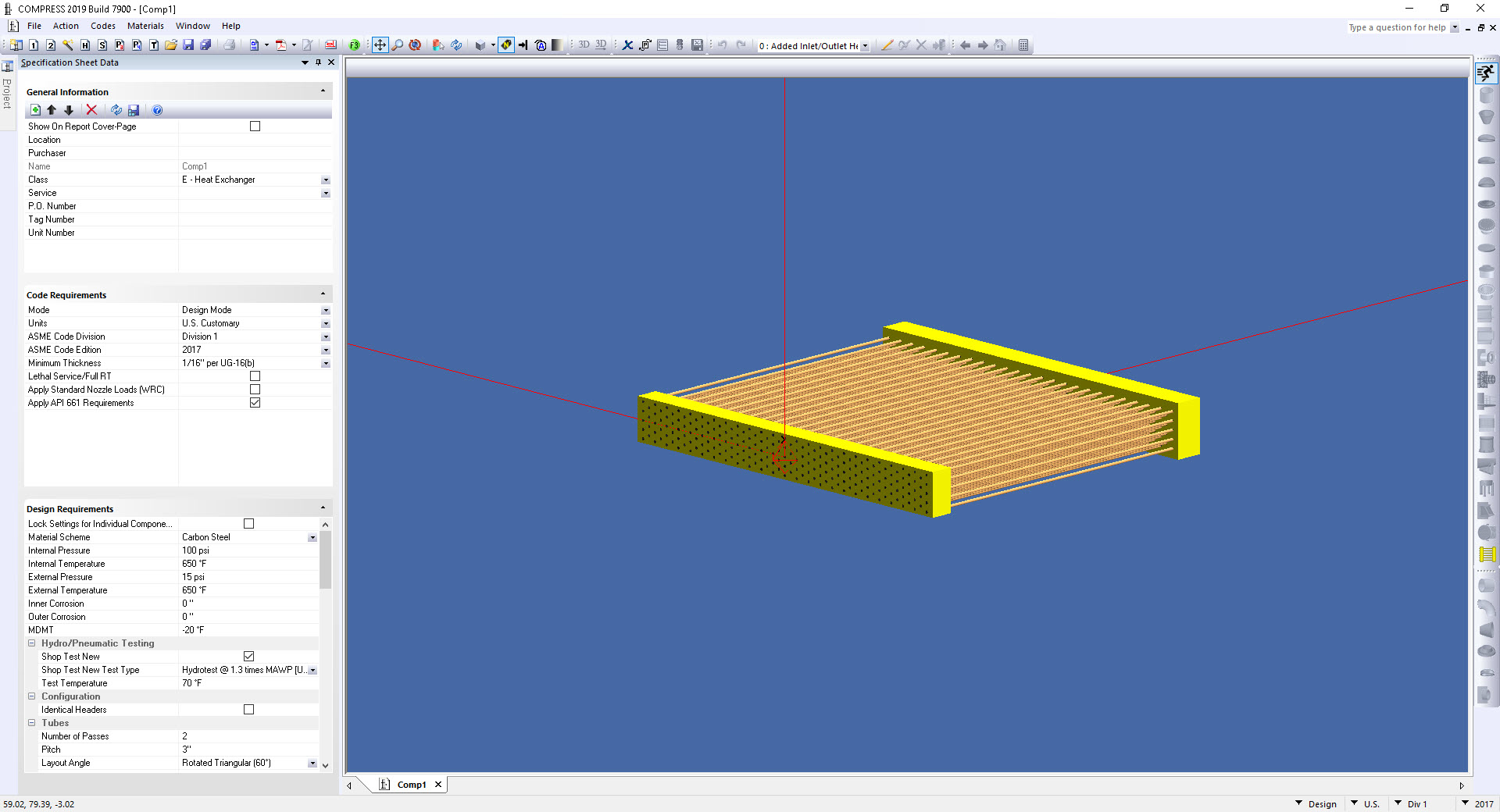
With the Exchanger option, HTRIŽ Xchanger SuiteŽ users can access shell and tube heat exchanger (Xist) files directly from within COMPRESS. Required mechanical details not present in the HTRIŽ file are automatically provided as well as suggestions for optimal thicknesses for various exchanger components. This interdisciplinary linkage also allows for quick investigation of the effects of mechanical changes on exchanger performance.

Produce Cost Estimates and Fabrication Drawings

Codeware's Vessel Cost Estimator and Vessel Drafting Program can be used to produce accurate cost estimates and automatically generate fabrication drawings from your COMPRESS files.

Extend COMPRESS Using XML

The COMPRESS XML data structure enables COMPRESS based custom software development and integration. This provides you with considerable leverage as you are able to extract our general purpose data to meet your specific needs. COMPRESS users currently create custom calculations, reports and even maintenance systems based on this powerful and flexible file format. To protect your third party investment, extensions to our XML data structure won't break software written using the previous schema. Visit our COMPRESS Add-Ons section for more information on  companies which develop software solutions that meet the specialized needs of COMPRESS users.

A large, saddle supported vessel.
Context sensitive COMPRESS help system.
An input temperature error message in COMPRESS.
A vacuum tower modeled in COMPRESS.
A horizontal vessel on saddles with a boot.
A dialog for a nozzle with a reinforcing pad.
A right click edit operation in COMPRESS.
A general arrangement drawing generated by COMPRESS.
An ASME U Form generated by COMPRESS.
An amine absorber report.
Appendix 2 flange report for a carbon dioxide stripper (steam re-boiler) shell and tube  heat exchanger.
A COMPRESS model of a dryer.