COMPRESS

ASME VIII Pressure Vessel Software

Shorten your engineering design cycle with the leading ASME VIII compliance engine.  COMPRESS checks your inputs, makes design recommendations and produces industry-standard pressure vessel design reports. Tasks such as compiling reports, determining MDMT, calculating hillside nozzle intersections and accounting for liquid static head are handled for you.  Capabilities like finite element analysis (FEA), solid modeling, lift lugs, clips, cladding, and fatigue screening assessments come standard.

Increase Your Capabilities With COMPRESS

Nozzles Simplify the detailing of nozzle attachments with flexible and intuitive nozzle design capabilities. Finite Element Analysis Built-in FEA for Nozzles, Clips and TEMA Expansion Joints. API 650 Storage Tanks Modeling storage tanks is easy as COMPRESS guides you through an intuitive design wizard. Vacuum Rings Drag-and-drop vacuum rings and quickly see how the external pressure rating changes. Quick Design Speed up the process of pressure vessel modeling with Quick Design mode. Productivity Software packages like COMPRESS exist to increase productivity and save Engineering hours. Heat Exchanger Perform ASME UHX and TEMA calculations independently or leverage the bi-directional interface with HTRI. Division II As Division 1 increasingly references Division 2 provisions, many companies are transitioning to Division 2 rules to capitalize on material savings. MDMT Rules of UCS-66 The rules of UCS-66 guard against vessel failure by brittle fracture, a low probability, high consequence event. External Pressure Design Simplify the complexity of the
UG-28 rules for external pressure design and vacuum rating.
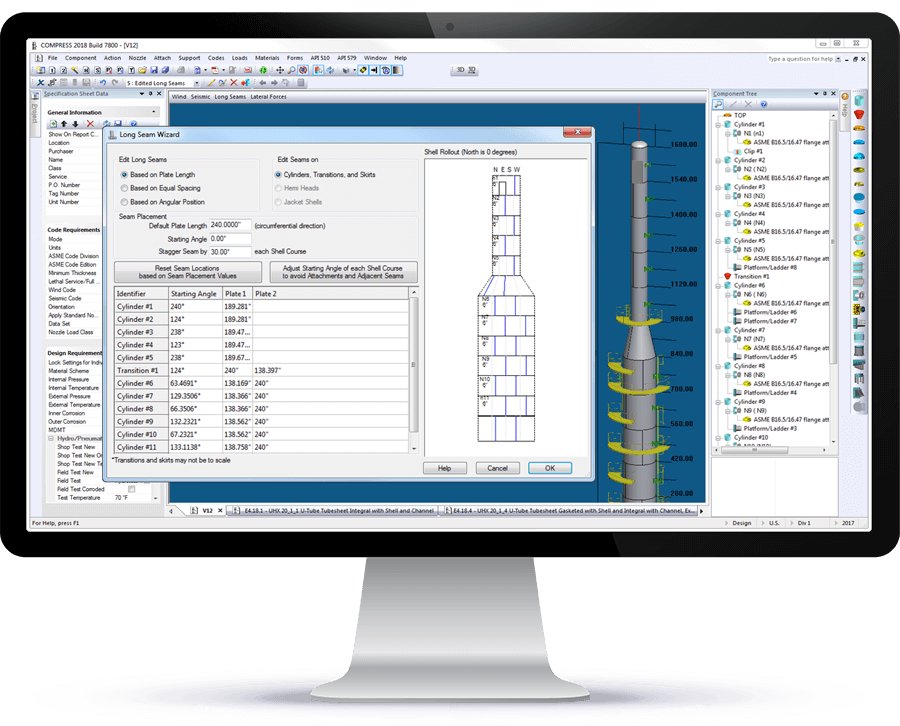
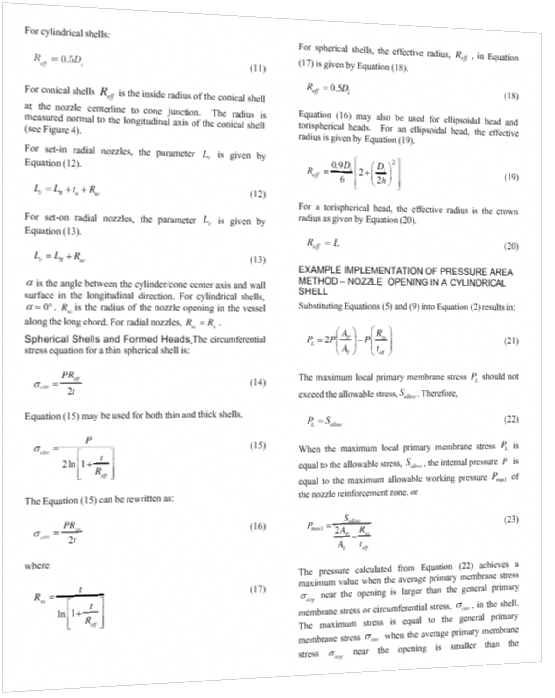
Jacketed Vessels Design both conventional and half pipe jacketed vessels. Vessel Wizard The Vessel Wizard speeds pressure vessel design by creating complete pressure vessel models with minimal input. COSTER Import files from COMPRESS and create user customizable pressure vessel cost estimates in spreadsheet format. Flange Design Create optimized Appendix 2 flange designs with minimal time and effort and account for loadings on standard B16.5/16.47 flanges. Weld Seams Designers can visually confirm good practices such as staggered longitudinal seams. Lifting & Rigging Use an accurate weight, the correct center of gravity, and apply the actual section properties. Modeling + Drawings The Codeware Interface includes Drafter 3D, a feature that auto-generates 2D pressure vessel drawings. Related Codes COMPRESS implements a wide range of related engineering methods, codes and standards. Design Mode Save time by reducing the trial and error iterations that would otherwise be required when designing pressure vessels. Rating (Analysis) Mode The COMPRESS Rating Mode takes your design and determines the vessel’s MAWP, MAEP and MDMT. Hydrotest Performing hydrotest stress calculations in the design stage prevents equipment damage during hydrotesting. Hillside Nozzle COMPRESS saves time by calculating chord openings and governing planes of reinforcement automatically. ASME Editions Older ASME Codes are retained in all COMPRESS releases so you can always use the latest software. Automatic Liquid Levels COMPRESS eliminates the need to manually calculate each vessel component’s liquid static head. Global External Loads The Loads Menu allows designers to easily consider global external loads when sizing pressure vessel supports. Clips and Lugs Quickly add in various structural shapes to complete your design. Multi-Chamber Vessels Certain industrial processes require pressure vessels with multiple chambers operating under different design conditions. Appendix 46 Produce more economical Div 1 pressure vessel designs with increased accuracy from the Div 2 design by rule equations. Manufacturer's Data Reports Simplify the creation, submission and management of ASME Manufacturer’s Data Reports and NBIC Repair and Alteration Forms. Support Skirt Openings Specify piping connections to vertical vessels that require additional piping and openings cut out of the support skirt. Branch Connections Reduce pressure vessel welding and material costs by modeling tees in COMPRESS. Foundation Loads Summary Break down the loads for the specified vessel operating conditions including weight, wind, seismic, and vortex shedding. Shipping Saddles COMPRESS provides a shipping saddle option based on the industry standard Zick Analysis. UG-80 and UG-81 COMPRESS automatically provides out-of-roundness tolerances that must be maintained during pressure vessel fabrication. Nameplate Design Every pressure vessel is required by Code to have a nameplate. COMPRESS handles this by including a convenient nameplate option. Fatigue Screening Quickly enter fatigue data to determine if a fatigue assessment is required. WRC 537 Nozzle Loads Check stresses on nozzles using WRC 107 and WRC 537 stress analysis for spherical and cylindrical shells.
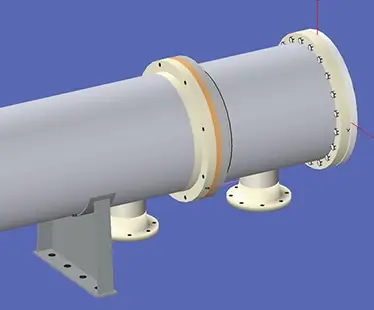
COMPRESS Quick Design Mode Heat Exchanger designed in COMPRESS Division 2 option in COMPRESS MDMT Rules of UCS-66 Bill of Materials generated from COSTER Flange design in COMPRESS Weld seam wizard in COMPRESS Lifting mechanics in COMPRESS Drafter 3D from Codeware COMPRESS includes related engineering methods, codes, and standards Design mode in COMPRESS Rating mode in COMPRESS Hydrotesting in COMPRESS Hillside Nozzle design in COMPRESS 2023 ASME VIII Code Edition in COMPRESS Automatic Liquid Levels in COMPRESS External Loads in COMPRESS Pressure Vessel clip with pad in COMPRESS Multi chamber pressure vessels in COMPRESS Appendix 46 in COMPRESS ASME Manufacturer's data reports in COMPRESS Support Skirt Openings in COMPRESS Foundation Loads Summary in COMPRESS UG-80 and UG-81 design in COMPRESS Jacketed Vessel in COMPRESS Pressure vessel nozzles Shipping Saddles in COMPRESS Nameplate design in COMPRESS WRC 537 Nozzle Loads in COMPRESS Fatigue Screening in COMPRESS Vacuum Rings in COMPRESS FEA Nozzles in COMPRESS API 650 in COMPRESS Branch Connections in COMPRESS

Relied Upon by Companies Worldwide

Why COMPRESS?

Shorten Your Engineering Design Cycle

Focus more time on the design aspects of your projects and spend less time worrying about the nuts and bolts of meeting extensive ASME Code requirements.  From designing simple flange pairs to performing complicated seismic calculations or a U-2(g) analysis, COMPRESS shortens your turn-around time while reducing your risk of making a costly mistake.

Image 2

Comprehensive Reports

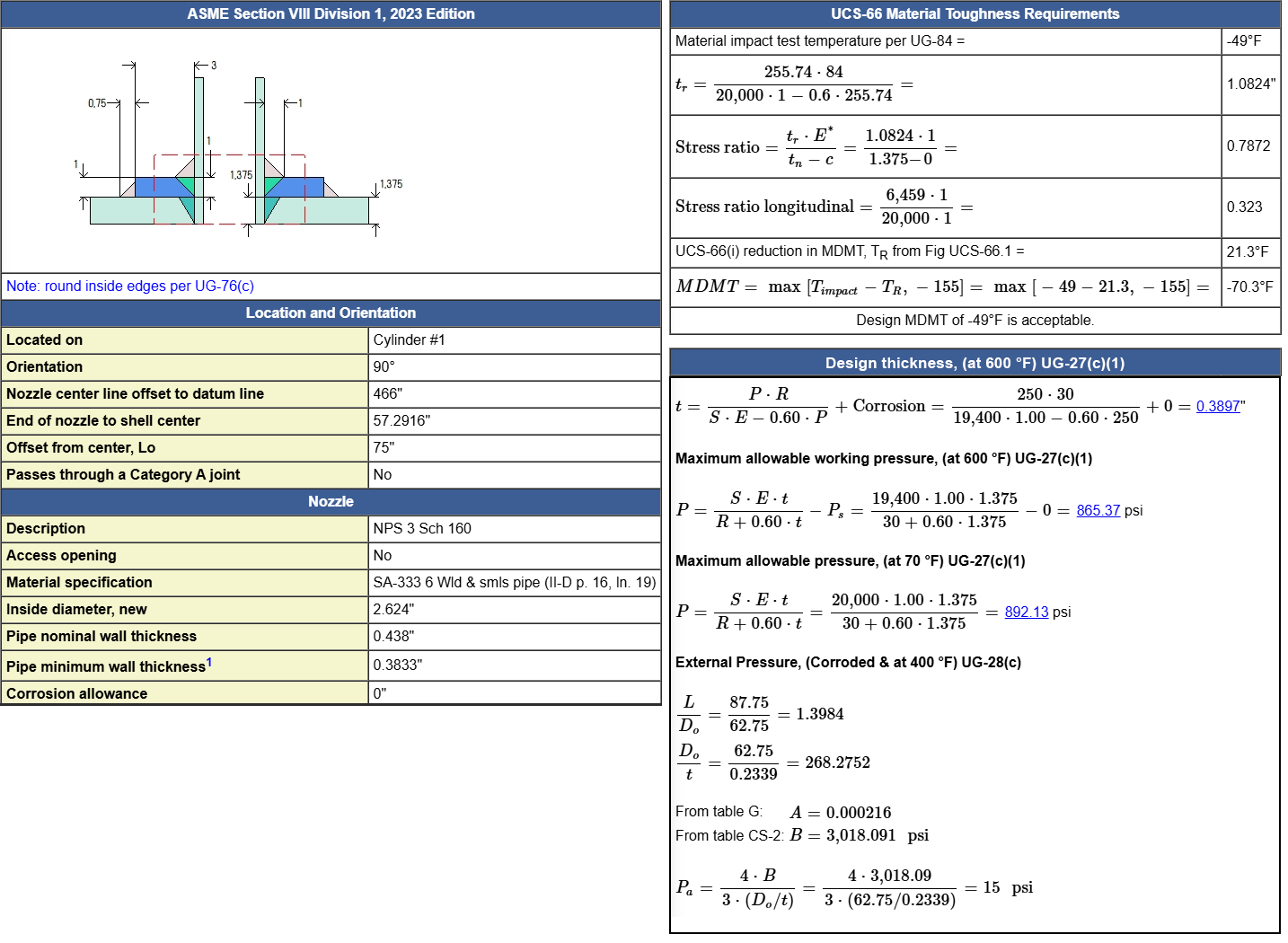
COMPRESS generates comprehensive ASME Section VIII reports designed for review by regulatory bodies, authorized inspectors, and clients. Each report clearly presents all Code calculations, making it easy to verify design decisions. Reports can include detailed calculations, summary tables, and/or deficiency lists.

ASME VIII Reports in COMPRESS

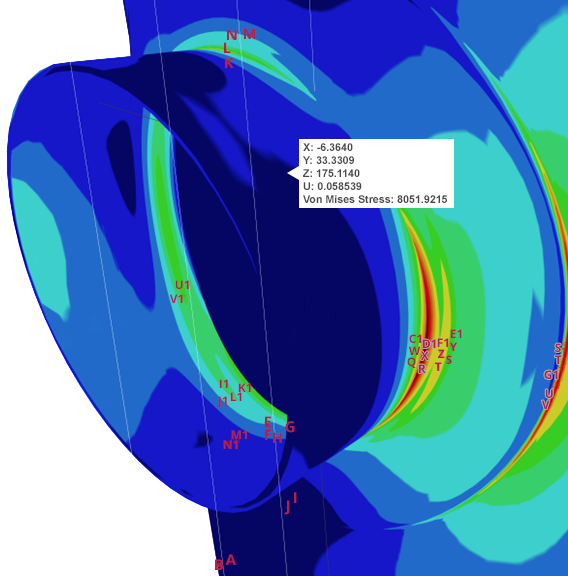
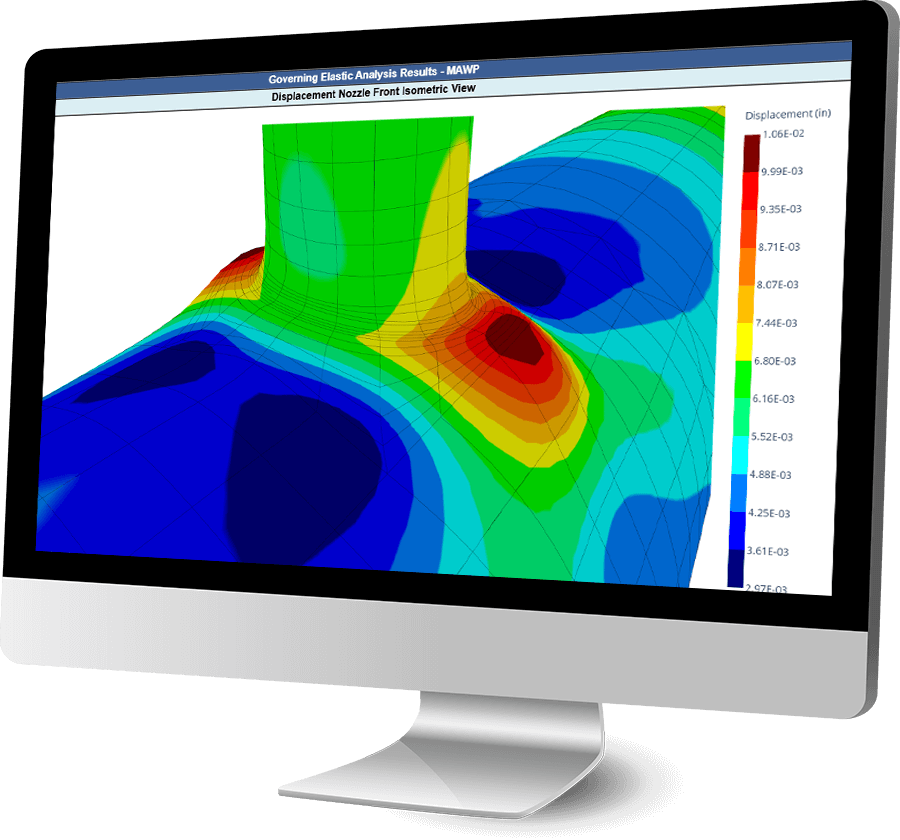
FEA for Nozzles, Clips and TEMA Expansion Joints

The COMPRESS FEA engine, developed by Codeware, is purpose-built to meet the specific stress analysis requirements of the ASME Code.  Leveraging advanced Lagrangian 3D elements, it features capabilities such as adaptive meshing and stress error estimating. This specialized approach offers unmatched accuracy for pressure vessel design.

FEA model in COMPRESS
FEA Displacement Nozzle

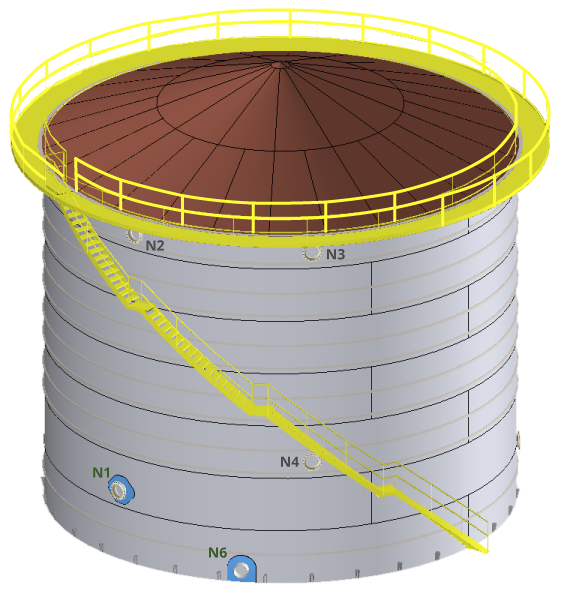
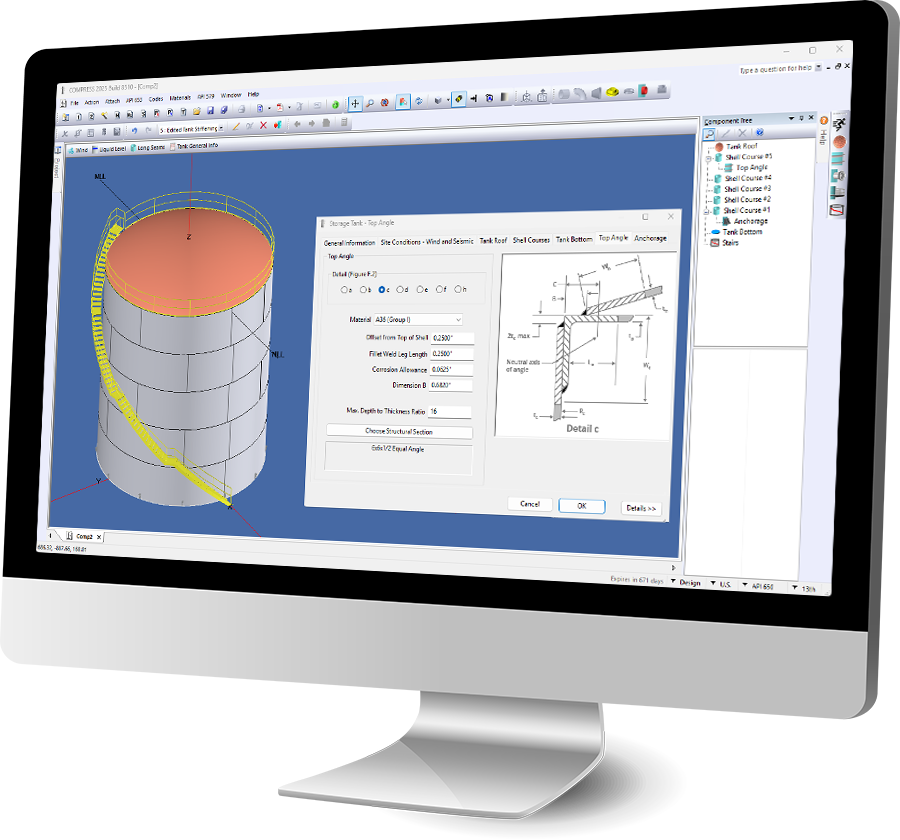
API 650 Aboveground Storage Tank Design

API 650 storage tanks are a critical component of modern infrastructure. COMPRESS simplifies the design process with a guided, step-by-step interface specifically developed for API 650 compliance. Users can easily enter specification data to model tanks while maintaining full flexibility to adjust designs as needed.

API 650 Storage Tank design in COMPRESS
storage tank design in COMPRESS

Complete the Whole Job

Designing pressure vessels is only part of the job.  To complete the whole job, COMPRESS supports cross-departmental workflows:

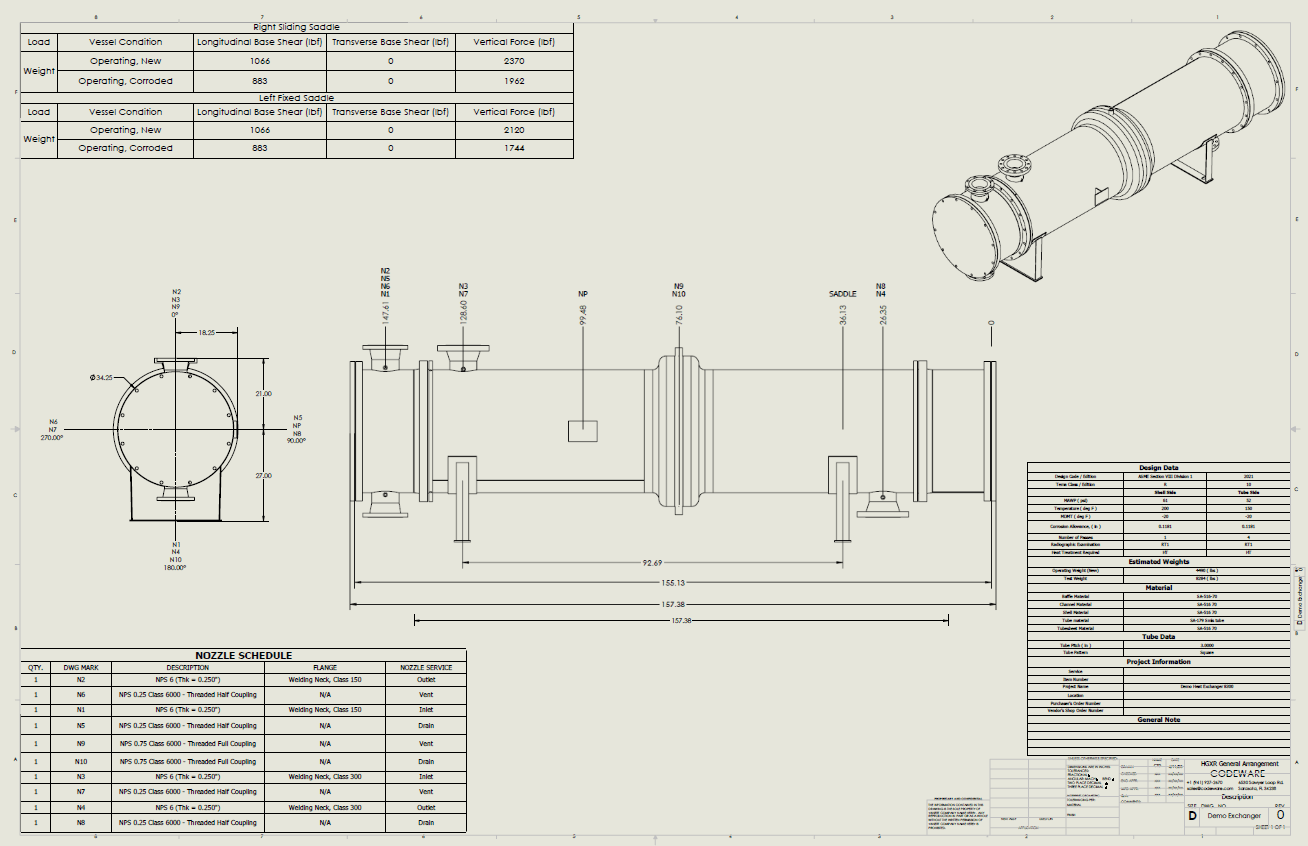
  • Efficiently produce pressure vessel and heat exchanger drawings using the bundled Codeware Interface® add-in for Autodesk Inventor®.

  • Quickly create ASME® Section IX welding documents from COMPRESS designs with Shopfloor®

  • Generate customizable spreadsheet based cost estimates with the no extra charge COSTER® add-in for Excel®.

A custom drawing of a Heat Exchanger with nozzles protruding out of an expansion joint created by the Codeware Interface add-in

Authorship of ASME Code Sections

Codeware was given the opportunity to participate in the ASME’s modernization of Codes and Standards effort. Our president, Les Bildy, is the principal author of ASME VIII-1, Appendix 1-10 and ASME VIII-2, Part 4.5 and also co-authored WRC-529 “Development of Design Rules for Nozzles in Pressure Vessels for the ASME B&PV Code, Section VIII, Division 2”

“My participation in this effort is evidence of my long-standing belief in the public benefit of safety codes and standards such as those embodied by the ASME.”
Les M. Bildy, P. Eng.

Exclusive Access to Codeware Support

When you license COMPRESS, you gain access to the industry’s leading ASME Section VIII design engine—plus direct access to the team behind it.

The most important quality Codeweare possesses is their support team. For this reason alone, Modern Welding has great confidence in their professional staff and it enables us to stick with one pressure vessel software provider.

Duke Oakes, BSME Manager Code Compliance - Modern Welding
COMPRESS is more than just a tool. It’s a software that allows us to explore limits and saves time.
Jesse Jensen, Senior Design Engineer at Enerquip

"The most important quality that Codeware possesses is their support team. For this reason alone, Modern Welding has great confidence in their professional staff and it enables us to stick with one pressure vessel software provider." BSME Manager Code Compliance Modern Welding Company Duke Oakes "COMPRESS has allowed us to explore different variations of what we manufacture, to optimize our designs, and provide a better solution for our customers." Senior Design Engineer Enerquip Thermal Solutions Jesse Jensen “We have been using COMPRESS since its inception. Les Bildy has developed a first rate product. We have found it very user friendly, and can’t imagine our company succeeding without it.” General Manager Hooper Welding Enterprises Testimonial Background Hooper Welding Enterprises Pressure Vessel image provided by Hooper Welding Enterprises Pressure vessel image provided by Hooper Welding Enterprises Expansion Tank image provided by Enerquip Thermal Solutions Gas Cooler image provided by Enerquip Thermal Solutions

Extend Your Capabilities Further

API 579 Fitness-For-Service

Perform the calculations and assessments needed by Engineers engaged in process plant inspection and maintenance activities.

Cross Departmental Workflows

Export meshes and models to third-party platforms, optimize project budgeting and quoting with customizable pressure vessel cost estimates, and more.

Section IX Welding Management

Simplify your welding documentation with Shopfloor—a cloud-based platform that brings all your ASME IX and AWS QC records together for faster, more efficient compliance.

Ready-to-use. No custom setup required.

Once your licensing is finalized, you can download and start using COMPRESS immediately – no waiting, no shipping delays.

The Choice of Leading Companies Worldwide

Customer List
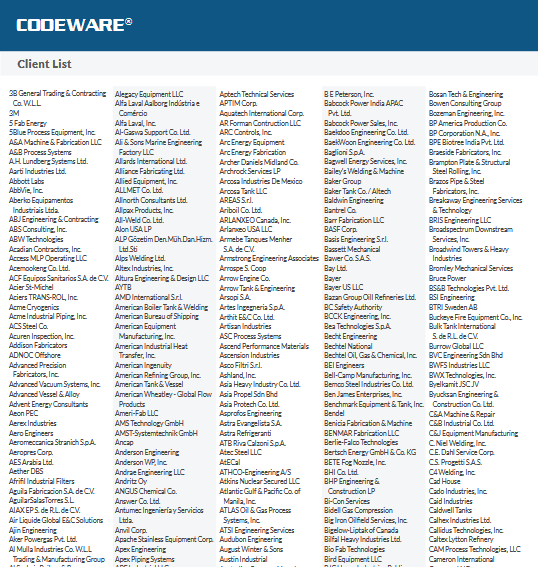
Codeware Client List