 LOGIN
LOGIN

Smarter Pressure Vessel Software
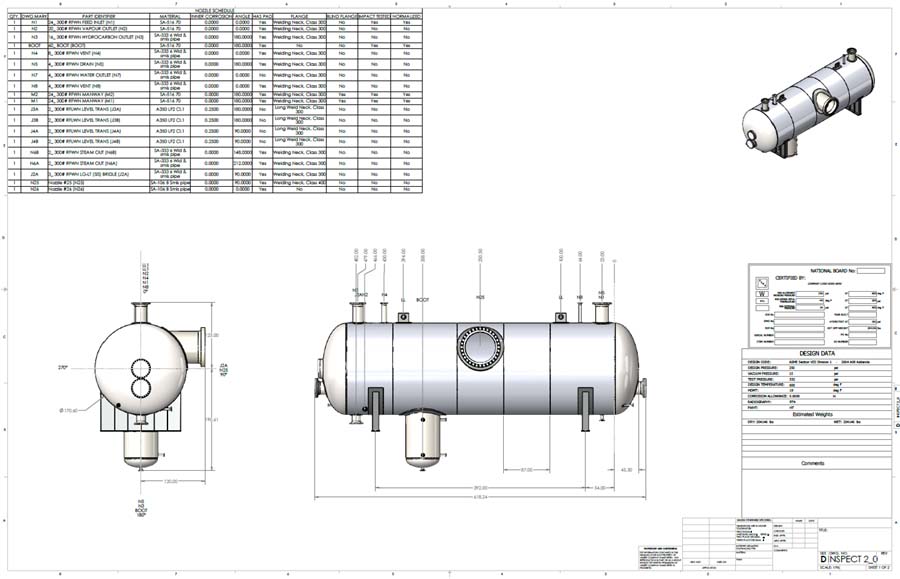
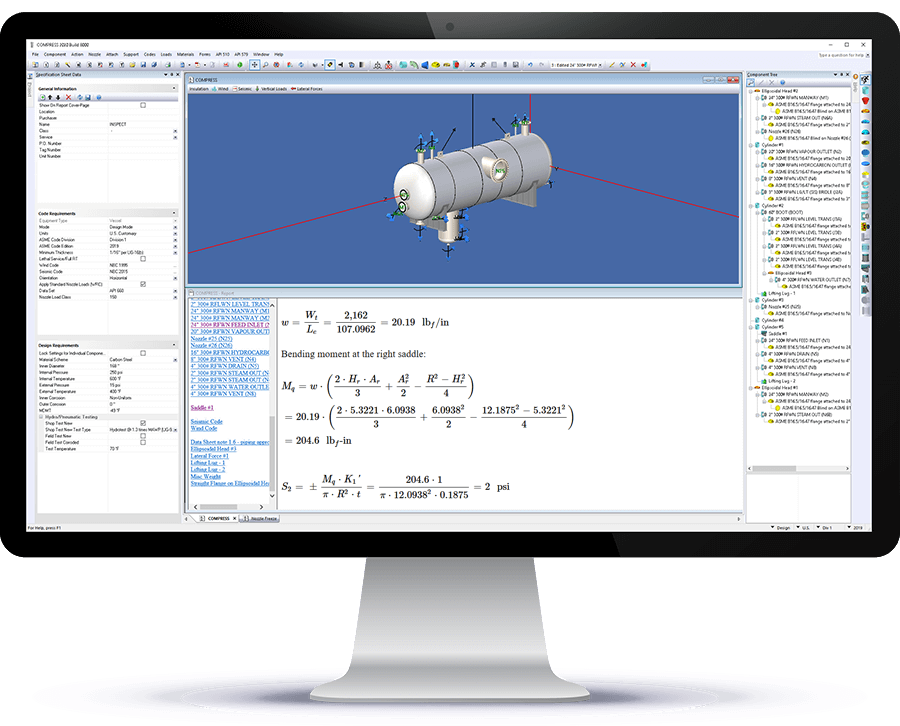
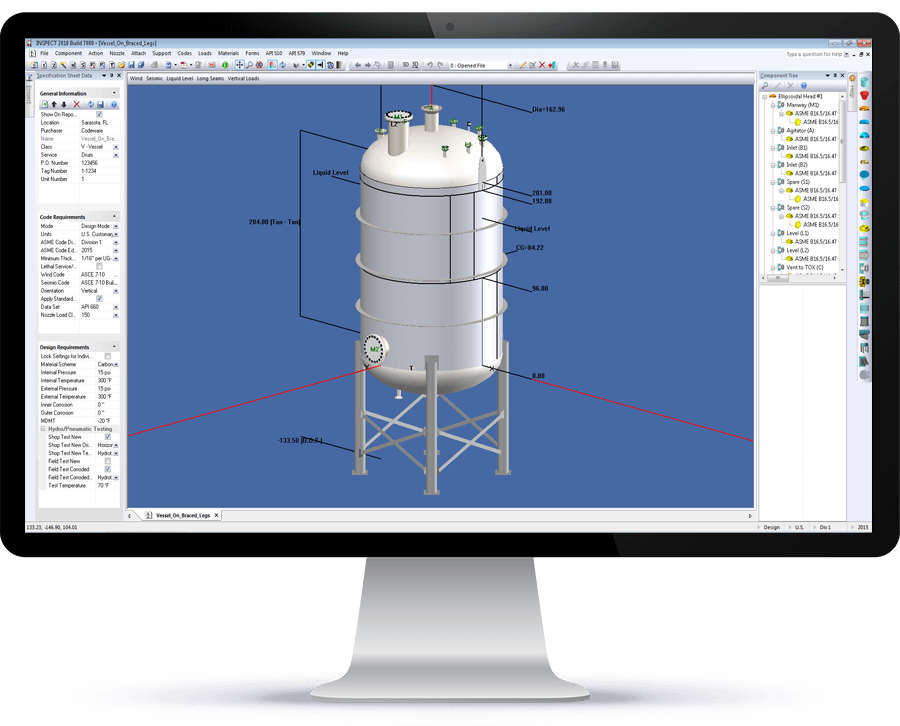
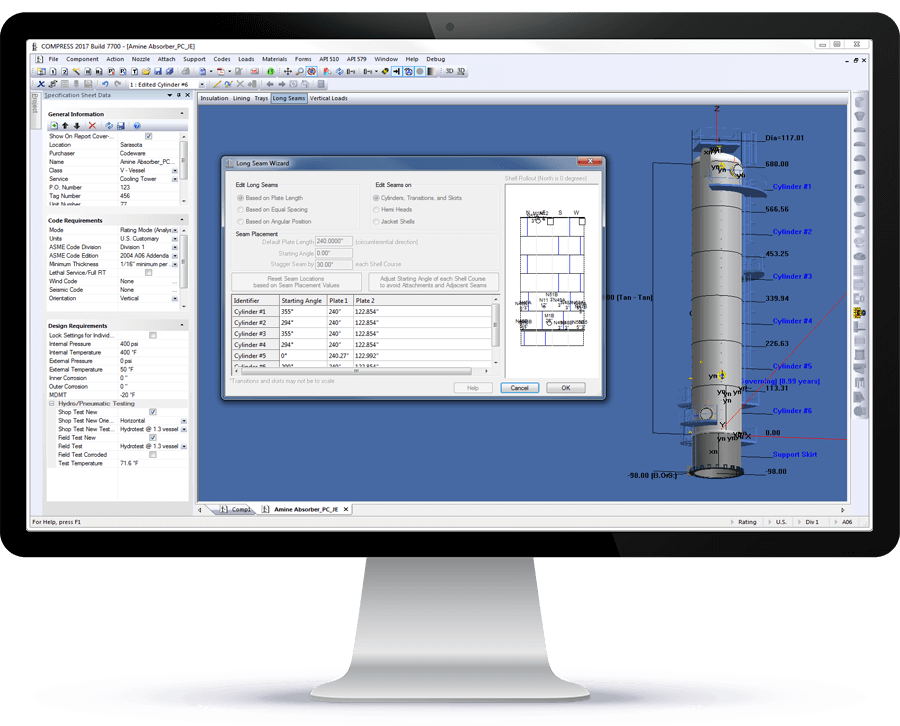
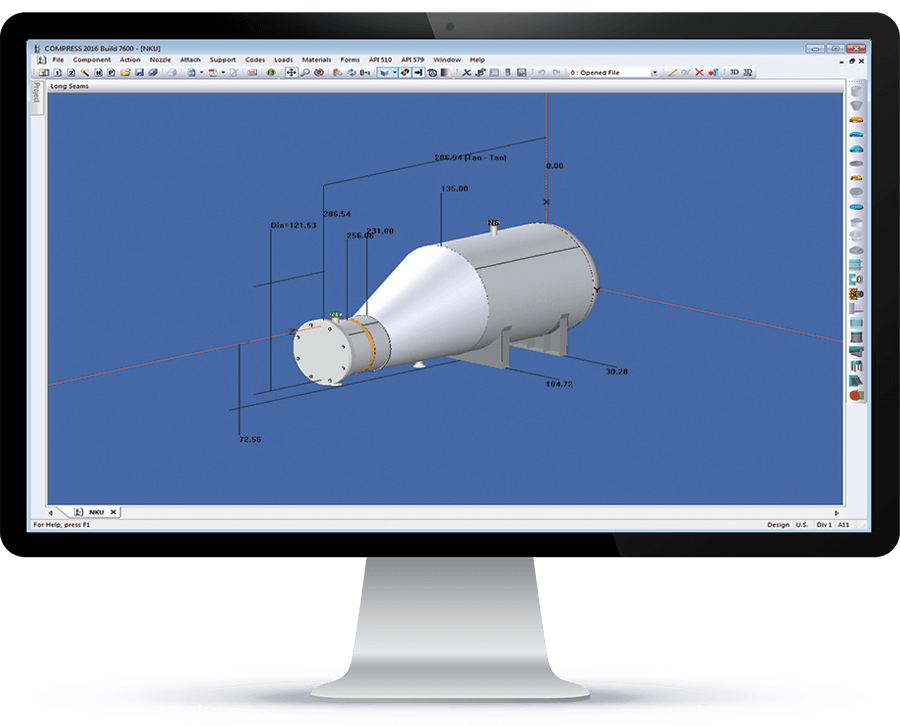
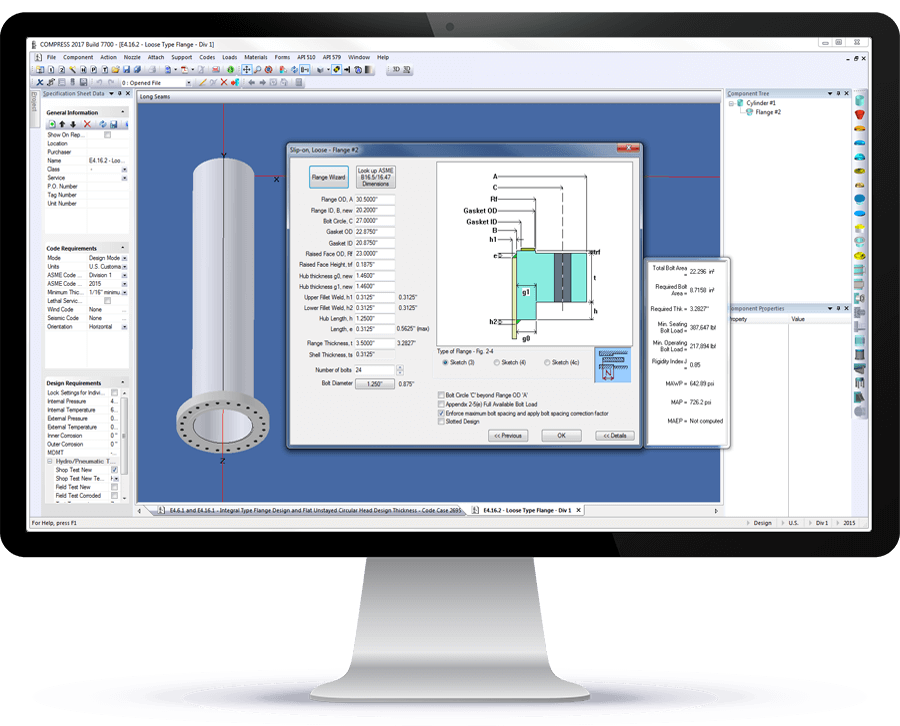
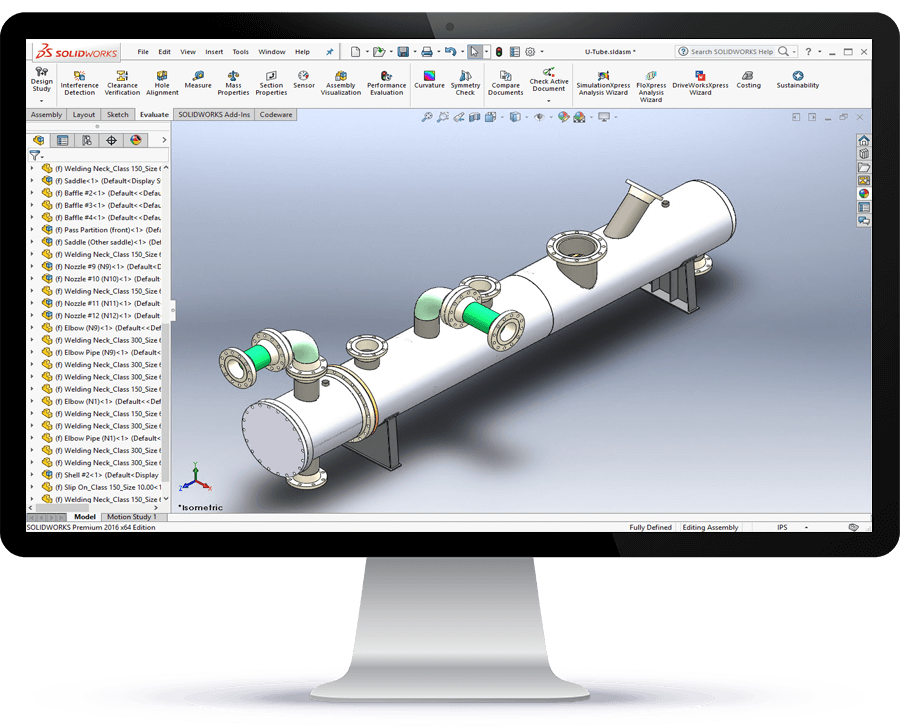
COMPRESS is an expert system that produces professional level pressure vessel design reports with a single button click. It saves engineering hours while reducing errors and omissions. COMPRESS checks your inputs and makes design recommendations. This makes it the perfect solution for companies that want to bring their design work in-house. COMPRESS automates jobs that less capable solutions require you to do. Tasks such as compiling reports, determining MDMT chart assignments, calculating hillside nozzle intersections and liquid static head determinations are handled for you. Features like solid modeling, drawings, lift lugs, clips, cladding, and fatigue assessments come standard with COMPRESS.
We invite you to review the capabilities featured below and see why COMPRESS has set the standard in pressure vessel software for over 39 years.
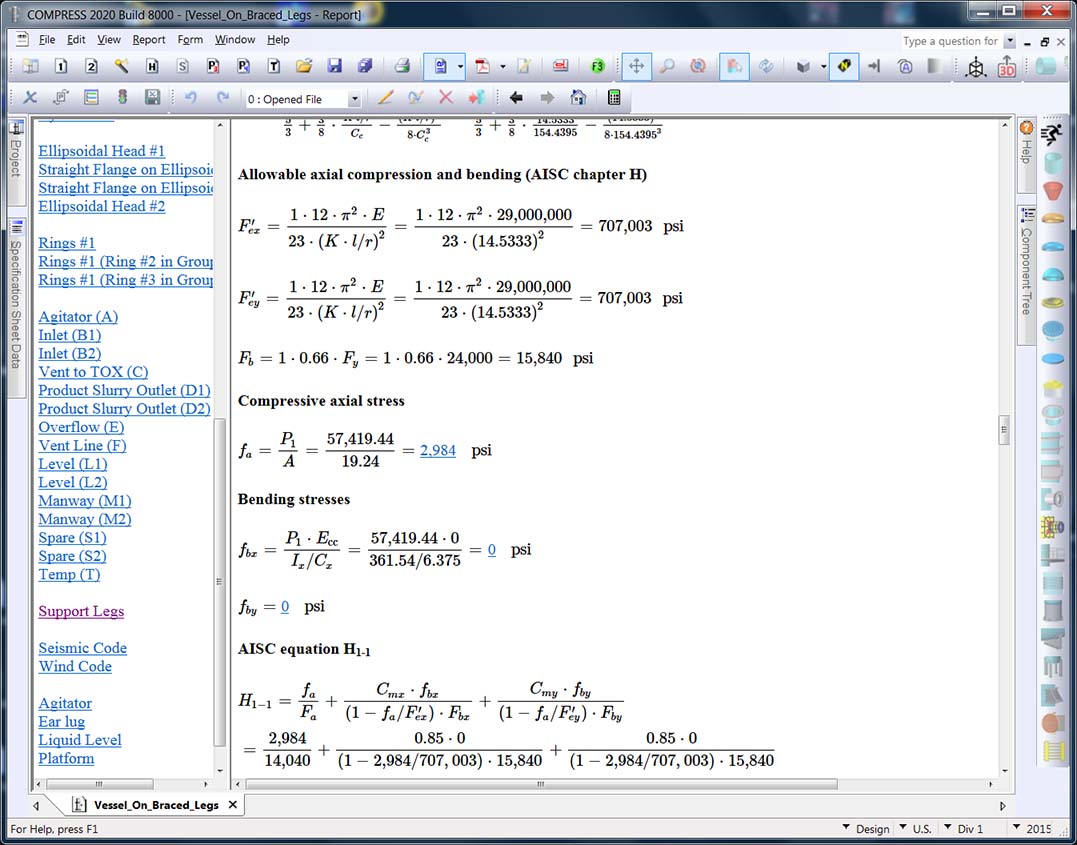
Featured Pressure Vessel Design Capabilities

“In our 20 plus years of using COMPRESS including the design, quotation and fabrication of in excess of 10,000 pressure vessels, we have come to rely on the accuracy and dependability we get each and every time.”
“We have been using COMPRESS since its inception. Les Bildy has developed a first rate product.
We have found it very user friendly, and can’t imagine our company succeeding
without it.”
Recent COMPRESS Feature Additions
Find Out More