
INSPECT
API 579 Fitness-For-Service Software
INSPECT performs the calculations and assessments needed by Engineers engaged in process plant inspection and maintenance activities. It creates detailed Fitness-For-Service (FFS) reports for pressure vessels, heat exchangers, piping, and above ground storage tanks. This Fitness-For-Service Software reduces regulatory compliance risk by creating ASME design reports for your undocumented pressure vessels. It also organizes and adds context to your inspection data by showing CML’s and API 579 flaws on its 3D equipment models.
Depending on your needs, INSPECT’s API 579 FFS can assess individual components, complete vessels, or model entire process systems. INSPECT performs rigorous tmin calculations that can extend vessel remaining life and inspection intervals. Together with Shopfloor, the software helps you document welding repairs as well.
Featured API 579 FFS Software Capabilities




Comprehensive FFS + Mechanical Integrity Software
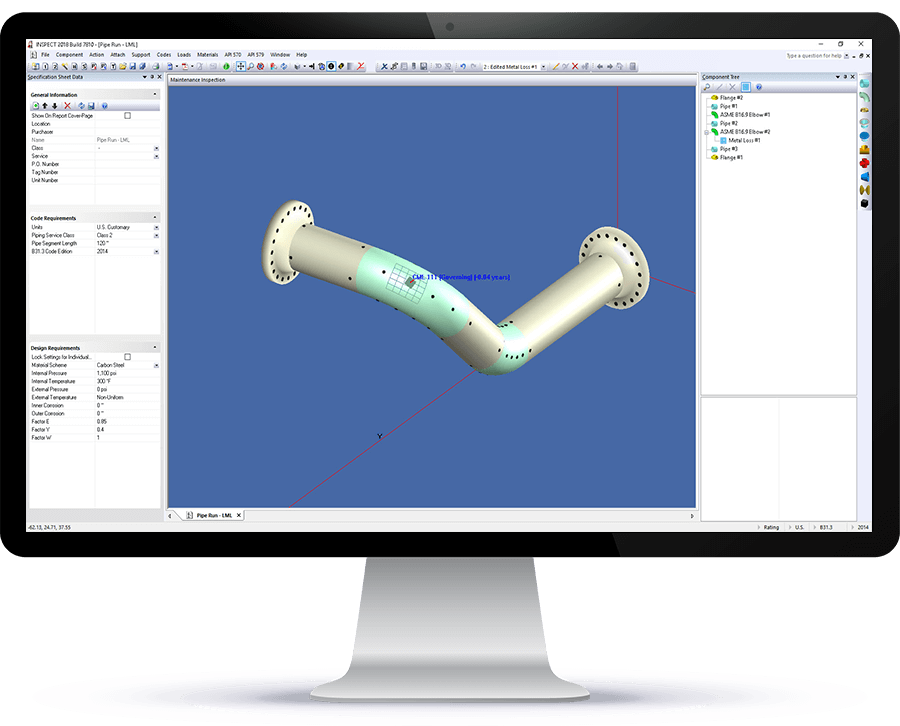
API 579 / ASME FFS
Taking equipment out of service is expensive, but leaving damaged equipment in service can especially be risky. INSPECT’s FFS assessments assist Engineers significantly in determining if repair or replacement is really necessary. A wide range of flaws are addressed including general and local metal loss, pitting corrosion, grooves, dents, gouges, cracks, creep, HIC, out-of-roundness, laminations, and fire damage. Complete Part 3 brittle fracture checks automatically support INSPECT flaw assessments. The Minimum Safe Operating Temperature curves can quickly screen process equipment that may be exposed to auto-refrigeration. INSPECT’s data logger integration can quickly turn thickness survey readings into FFS results and help ensure turn arounds stay on schedule. Additionally produce detailed API 579 remaining life reports that let you verify the calculations performed and provide RAGAGEP support for your recommendations.
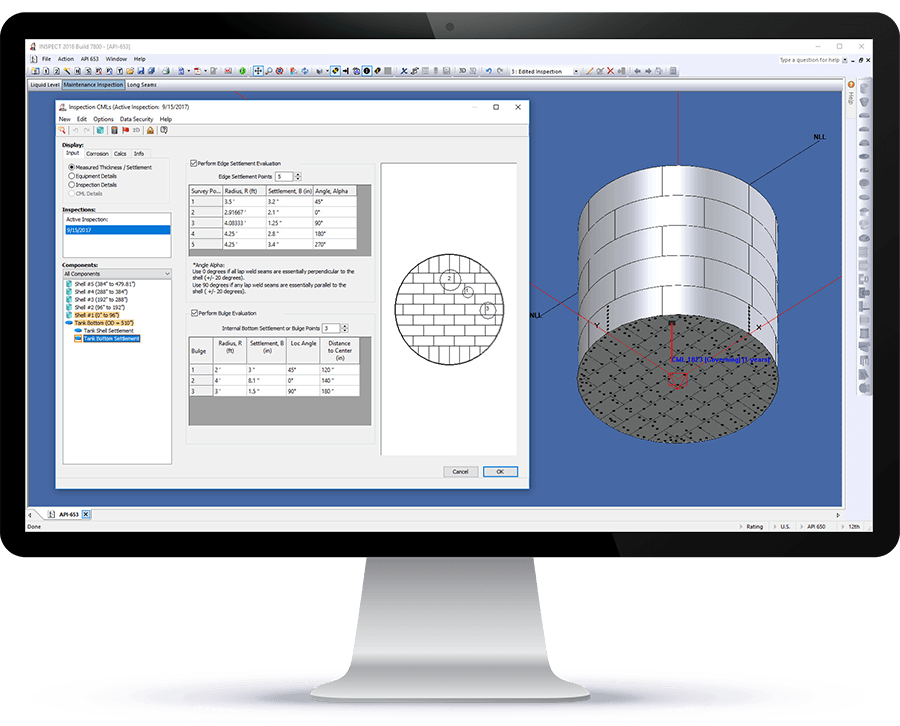
ASME VIII, API 510, API 570, and API 653
The mechanical integrity capabilities include a flexible inspection data management system that lets you specify the CML data to track. Rigorous tmin, remaining life, and inspection interval calculations are also built-in. Presently all API 510 and API 570 Code results are supported by full ASME VIII (both Division 1 and Division 2), ASME B31.3, ASME B31.4, and TEMA calculations and reports. Old ASME VIII-1 Codes, dating back to 1950, are also supported. Furthermore, INSPECT helps safely extend equipment life and inspection intervals by implementing the most economical Code allowable stresses and weld joint efficiencies permitted by the NBIC / API 510. API 653 storage tank assessments include consideration of shell out-of-plane and edge settlements, floor bulges, and patch plates.
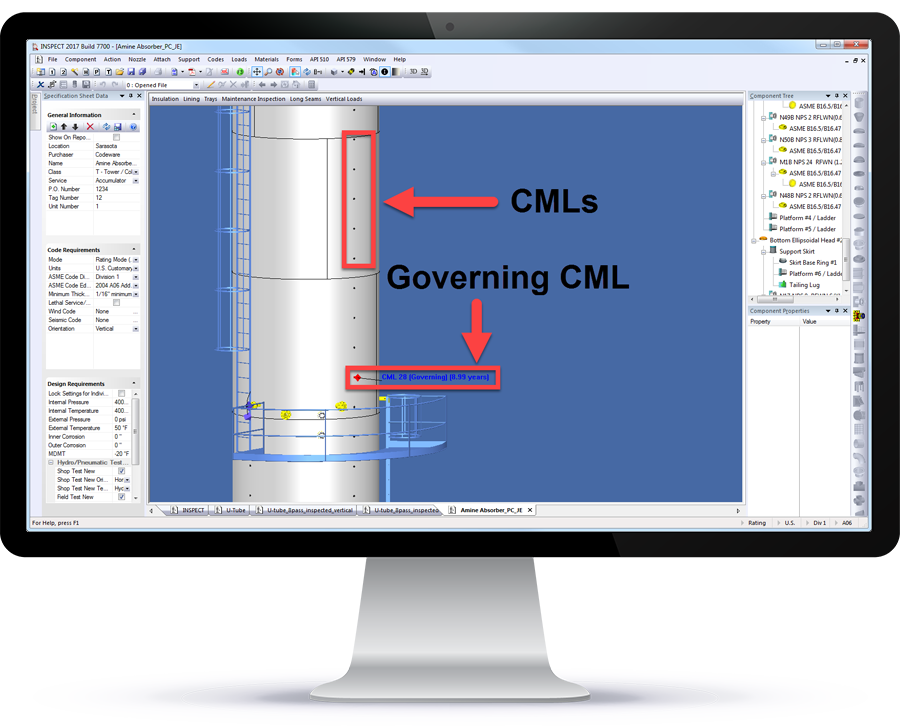
Pressure Vessel Re-Rating With INSPECT
Equally with COMPRESS, INSPECT can handle complete pressure vessel models. INSPECT combines vessel damage information with its location on the 3D model. This adds context and value to your inspection data. Weld joint efficiency versus damage location, static liquid head, overhead weights, wind and seismic are automatically taken into account. As a result, this detailed analysis provides cost savings that are not possible with any other Fitness-For-Service software.
Find Out More
+1 (941) 927-2670 | sales@codeware.com